Can I get a duplicate sim card vodafone? Here's how to get a duplicate sim card from Vodafone!
Call Vodafone on 191 free from your mobile to order a duplicate SIM card in 2026. Quick self-service process without queuing or speaking to an agent.
Numbers, codes and fast answers
Quick-reference Vodafone information — short codes, customer service numbers, plan limits, account features.
You can add up to 10 plans to your Vodafone account in 2026, with potential discounts on each additional SIM or plan you add to your existing account.
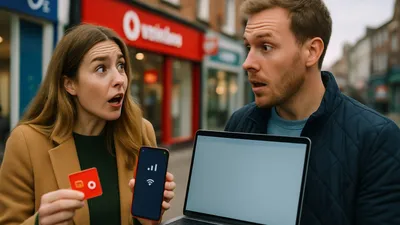
Call Vodafone on 191 free from your mobile to order a duplicate SIM card in 2026. Quick self-service process without queuing or speaking to an agent.
Vodafone USA roaming costs from USD 29 for 20GB in 2026. Check if your plan includes US roaming or add a Travel eSIM pass.

Try these 5 solutions if your Vodafone router won't connect, including power cycling for 30 seconds. Updated May 2026.
Fix Vodafone login issues in 2026 with our troubleshooting guide covering forgotten passwords, email problems and username errors.
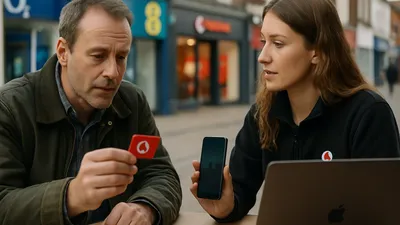
Pay your Vodafone bill online via My Vodafone account in May 2026. Simple step-by-step guide to making secure card payments and setting up Direct Debit.
Vodafone UK deactivates inactive numbers after 6 months, with a 180-day warning text. Reactivate within 90 days of blocking. Updated May 2026.
O2 balance check dial *#10# free from your handset in May 2026, or call 4444 for automated customer service support.
O2 replacement SIM cards can be ordered online through My O2 Business by signing in and selecting SIM swap under Manage devices in May 2026.
Turn off O2 voicemail by dialling ##002# or 1760 from your phone. Step-by-step guide for UK customers in May 2026.
Vodafone SIM card replacement costs £0 and takes 15 minutes in-store for lost or stolen phones in 2026.
Check your Vodafone balance by dialling *#1345# from your phone or calling 2345. Updated May 2026 with step-by-step instructions and alternative methods.

Call Vodafone on 191 from your mobile or 0333 304 0191 from a landline in the UK in 2026. Free support, plus international numbers and online chat options included.

Call 2345 free to top up your Vodafone Pay as you go phone in the UK. Minimum £5 required for new SIM activation in 2026.

Call Vodafone on 191 free from your mobile in the UK, or 0333 304 0191 from a landline in May 2026.
Buy Vodafone top-up vouchers from PayPal, Argos, Tesco, Mobiletopup.co.uk and Recharge.com in May 2026. Denominations from £5 to £50 available online.

Your Vodafone SIM has stopped working? Try removing the SIM tray, powering off your phone, and restarting after five minutes. Full troubleshooting guide for May 2026.

Fix your Vodafone SIM not working with these troubleshooting steps verified by Vodafone UK support in May 2026. Restart your device, clean the SIM contacts, or try another phone.
Fix Vodafone top-up issues in 2026 by checking your balance on *#1345#, restarting your phone, or using a voucher code instead of the app.

Vodafone is one of the UK's four major mobile network operators, serving tens of millions of customers across Pay as you go, Pay monthly, and broadband contracts. Whether you need a short code to check your balance, a customer service number to call from a landline, or a quick fix for a SIM that has stopped responding, the right reference information is rarely where you expect to find it.
This page collects the most-searched Vodafone numbers, codes, and account management answers in one place. The articles linked throughout go deeper on each topic, with steps verified against Vodafone UK's own support documentation.
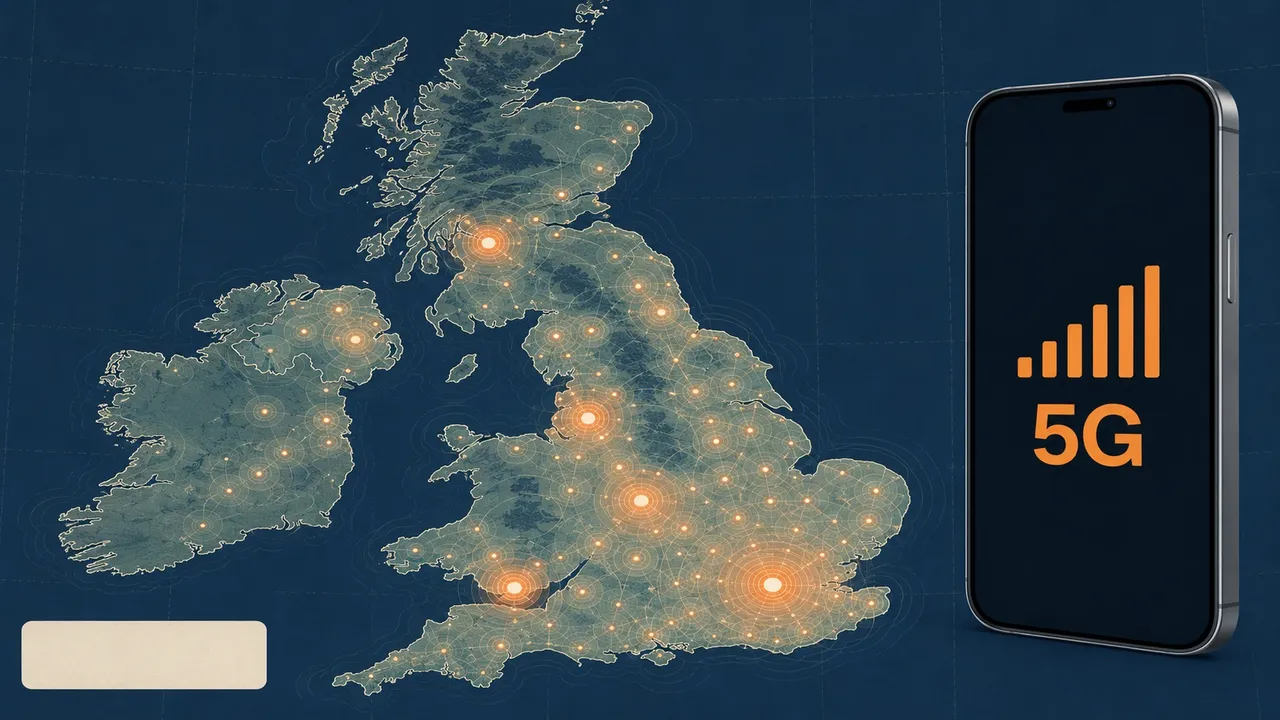
Ofcom's 2023 Connected Nations report confirmed that Vodafone's 4G network covers around 99% of the UK's geographic landmass by outdoor population, making it one of the country's most widely used networks. That scale means a correspondingly large number of people hitting the same practical questions every day — from topping up to replacing a lost SIM.
The two numbers most Vodafone customers need are 191 (free from a Vodafone mobile) and 0333 304 0191 (from a landline or any other network). Both reach the same customer service team. Calls to 0333 numbers are charged at the standard UK geographic rate and count against inclusive minutes on most contracts, according to Ofcom's guidance on non-geographic numbers.
For a full breakdown of when to use each number, including international dialling options and the separate broadband support line, see {post:what-number-do-i-dial-for-vodafone}. If you specifically want to reach Vodafone from your mobile without navigating menus, {post:what-number-to-contact-vodafone-from-mobile} covers the quickest route through the automated system.
Pay as you go customers can check their remaining balance by dialling *#1345# — the result appears on screen without connecting a call, so there is no charge. Alternatively, calling 2345 connects to an automated service that reads your balance aloud. Both methods work 24 hours a day. For a step-by-step walkthrough of each option, including how to check data allowances separately, see {post:what-number-do-i-call-to-check-my-vodafone-balance}.
Topping up by phone is handled through the same 2345 number, with a minimum top-up of £5 required to activate a new SIM. If you prefer to buy a physical voucher rather than paying by card over the phone, retailers including Tesco, Argos, and PayPal all stock them — {post:where-can-you-buy-vodafone-top-up-vouchers} lists current stockists and available denominations. When a top-up is not going through as expected, {post:why-is-vodafone-top-up-not-working} covers the most common causes, from app glitches to network validation delays.
A SIM that suddenly stops working is one of the most disruptive mobile problems, and the causes range from a dislodged card to a network-side account issue. Vodafone's standard advice is to power the device off completely, remove the SIM tray, reseat the card, and restart after five minutes. If that does not resolve the fault, the issue may be with the SIM itself rather than the handset. {post:why-has-my-vodafone-sim-stopped-working} takes you through the full diagnostic sequence.
For a brand-new SIM that has never connected, the activation process can take up to 24 hours after the first top-up or contract start date, though most complete within two hours. {post:why-is-my-new-vodafone-sim-not-working} covers activation-specific faults separately from general SIM failures. If the SIM is lost or damaged, Vodafone currently charges nothing for a replacement in-store, and the swap typically takes around 15 minutes — full details are in {post:what-happens-if-i-lost-my-vodafone-sim-card}.
The My Vodafone app and web portal let customers view bills, change plans, add extra data, and set up Direct Debits without calling. Paying a bill online is straightforward once you are logged in: navigate to the billing section, select the amount due, and confirm with a saved or new card. {post:how-can-i-pay-vodafone-bill-online} walks through each screen in sequence, including how to set up automatic payments to avoid late fees.
Login problems are a frequent source of frustration, particularly after a password reset or a change of registered email address. Vodafone's account recovery flow requires access to the email address on file, which can create a circular problem if that address is no longer active. {post:cant-log-into-vodafone-account} covers the workarounds Vodafone's support team recommend in that situation, including identity verification by phone.
Vodafone allows up to ten plans on a single account, which is useful for families or small businesses wanting consolidated billing. Additional SIMs added to an existing account may qualify for a multi-line discount, though the exact saving depends on the plan tier. {post:can-i-add-another-sim-to-my-vodafone-account} explains the process and current pricing structure. If you need a second SIM for the same number rather than a new number entirely, {post:can-i-get-a-duplicate-sim-card-vodafone} covers the duplicate SIM option, which is available by calling 191.
Pay as you go numbers that are not used for six months are at risk of deactivation. Vodafone sends a warning text at 180 days of inactivity, and customers have a further 90-day window after the number is blocked to request reactivation before it is permanently released. {post:how-long-does-vodafone-number-stay-active} has the precise timeline and the steps to keep a number alive without making a call.
Since the UK's departure from the EU, Vodafone reintroduced roaming charges for travel within Europe on most plans, a change confirmed by Vodafone UK's own terms and conditions updates in 2021 and 2022. Roaming in the United States is handled through a separate Travel pass or eSIM add-on, with costs starting from USD 29 for 20 GB as of 2026. {post:can-i-use-my-vodafone-plan-in-usa} sets out which base plans include any US allowance and how to add one if yours does not.
Vodafone also provides home broadband through its fibre and gigabit products. Router connectivity issues are among the most-searched broadband problems, and the most reliable first step is a full power cycle: unplug the router, wait 30 seconds, and reconnect. {post:can-t-connect-to-vodafone-router} lists five further solutions for cases where a simple restart does not restore the connection, including checking for local outages via Vodafone's status page at vodafone.co.uk/network/status.
Dial 191 from your Vodafone handset. The call is free and connects to the main customer service team. From a landline or a different network, use 0333 304 0191, which is charged at the standard geographic rate.
Dial *#1345# and the balance appears on your screen without connecting a call. You can also call 2345 for an automated voice readout, or log into the My Vodafone app to see a full breakdown of remaining allowances.
Call 2345 from your Vodafone mobile and follow the automated prompts. You will need a debit or credit card and the minimum top-up is £5. Physical top-up vouchers are available at major supermarkets and convenience stores if you prefer not to pay by card.
Power off your phone completely, remove the SIM tray, reseat the SIM card, and restart the device after five minutes. If the problem persists, call 191 to check whether there is an account or network issue on Vodafone's side.
Visit any Vodafone store with a form of photo ID and a replacement SIM is issued free of charge, typically within 15 minutes. You can also call 191 to have one posted to your registered address, though postal delivery adds a day or two.
Vodafone sends a warning text after 180 days of inactivity. If you do not make a call, send a text, or use data within 90 days of that warning, the number is permanently released. Making any chargeable activity resets the clock.
Most standard Vodafone plans do not include US roaming as standard. You can add a Travel pass or purchase a Travel eSIM before departure. Costs and data limits vary by plan, so check your specific contract terms in the My Vodafone app before travelling.
Log into My Vodafone at vodafone.co.uk or via the app, go to the billing section, and select the amount you want to pay. You can pay with a saved card or enter new card details. Setting up a Direct Debit from the same screen avoids any risk of a missed payment.
Most Vodafone queries come down to a handful of numbers and codes that, once known, take seconds to use. The short codes *#1345# for balance and 191 for customer service cover the majority of day-to-day needs, while the My Vodafone app handles billing, plan changes, and account management without requiring a call. Keeping these references to hand removes most of the friction that comes with managing a mobile contract or Pay as you go account.
The articles in this category go into greater depth on each of these areas, with steps checked against Vodafone UK's current support documentation. If something has changed since publication, Vodafone's official status and support pages at vodafone.co.uk remain the authoritative source for live network information and up-to-date pricing.