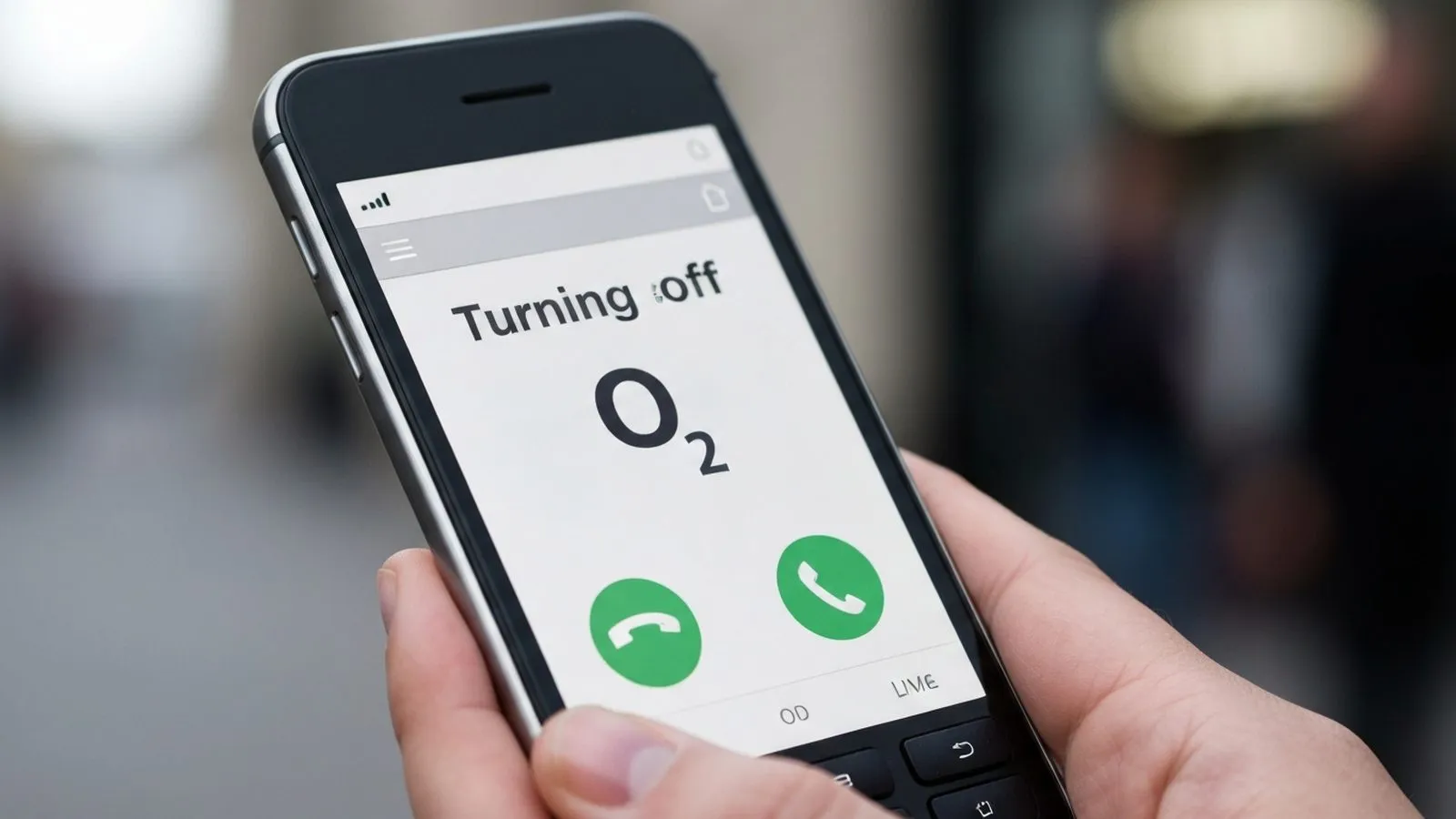
To turn off O2 voicemail, dial 1760 from your O2 mobile. The call is free and takes under a minute. To switch it back on, dial 1750. Both codes work on Pay Monthly and Pay As You Go accounts.
- Turn Voicemail Off: Dial 1760 free from your O2 mobile.
- Turn Voicemail On: Dial 1750 free from your O2 mobile.
- Access Voicemail: Dial 901 from your O2 mobile to listen to messages.
- Customer Services: For Pay Monthly, call 202. For Pay As You Go, call 4445.
Switching off Voicemail 901
O2 provides a straightforward method to deactivate voicemail directly from your handset. No charge applies.
How to Disable O2 Voicemail
- Time required: 1 minute
- Tools required: Your O2 mobile phone
- Open the Phone App: Navigate to the dialler on your mobile phone.
- Dial the Deactivation Code: Enter 1760 into the keypad.
- Press the Call Button: Initiate the call. You will hear an automated message confirming that your voicemail service has been switched off, and the call will end automatically.
A second option is the GSM short code ##002#. This cancels all active call diverts on your number, including the divert to voicemail. Once disabled, callers cannot leave a message. Your phone will ring until the call times out, and you will still receive a missed call notification on your device.
If you have saved messages, listen to them before dialling 1760. Turning off the service may delete any stored voicemail.
Reactivating voicemail
If you decide you need the service again, the process is equally simple:
- Open your phone's dialler.
- Dial 1750 and press the call button.
- An automated message will confirm that Voicemail 901 has been switched back on.
Once reactivated, you may need to set up your personal greeting and PIN if you haven't used the service before. To do this, dial 901 and follow the voice prompts.
Changing how long your phone rings
You can extend the ringing time before voicemail answers. The maximum duration is 30 seconds. This gives you more time to answer your phone.
- Open your phone's dialler.
- Enter the code: **61*901*11*XX#
- Replace 'XX' with the desired number of seconds. This must be in five-second increments: 05, 10, 15, 20, 25, or 30.
- Press the call button to submit the code. A confirmation message should appear on your screen.
If this code does not work, you may need to temporarily disable Wi-Fi Calling in your phone's settings before trying again.
Recording a personal greeting
A personalised greeting can provide a better experience for your callers. To record your own greeting:
- Dial 901 from your O2 mobile.
- Press the star (*) key for the main menu.
- Choose option 3 and follow the prompts to record, save, or change your greeting.
Voicemail costs: what you need to know
Understanding when you might be charged for using voicemail is important, especially when travelling.
In the UK: Calling 901 to check your voicemail is included in your tariff allowance for Pay Monthly customers. For some Pay As You Go tariffs, such as 'Classic Pay As You Go', a small charge per call may apply.
Abroad: Checking your voicemail from abroad by calling 901 is charged at international roaming rates. To avoid unexpected costs, it is advisable to turn off voicemail by dialling 1760 before you travel.
From another phone: To check your messages from a landline or another mobile network, dial your full O2 number. When your voicemail greeting starts, press the star (*) key and enter your PIN. This call will be charged at the standard rate of the network you are using.
O2 Call Alert: an alternative to voicemail
If you don't want callers to leave messages but still wish to know who tried to contact you, O2 offers a free alternative service.
O2 Call Alert is a free service that sends you a text message with the caller's number, and the time and date they called, whenever you miss a call. This service works when your phone is switched off, out of signal, or busy. You cannot use Voicemail 901 and O2 Call Alert at the same time; activating one will automatically deactivate the other.
- To turn on O2 Call Alert, dial 1710.
- To turn off O2 Call Alert, dial 1760.
Visual Voicemail for compatible devices
For iPhone users and some Android users, O2 supports Visual Voicemail. This feature displays a list of your voicemail messages directly in your phone's dialler app, allowing you to listen to them in any order without having to call 901. It is typically enabled by default on compatible devices but can be managed through your My O2 account or by contacting customer services.
Frequently Asked Questions
Q: What is the O2 voicemail number?
A: The number to access your O2 voicemail is 901. Calls to this number from your O2 mobile are usually free if you are on a Pay Monthly plan.
Q: What happens to my saved messages if I turn voicemail off?
A: Turning off your voicemail service may delete any saved messages. It is recommended to listen to and save any important messages elsewhere before dialling 1760.
Q: Why is my voicemail not turning off?
A: If dialling 1760 or ##002# does not work, try restarting your phone. If the issue persists, you should contact O2 customer services. Pay Monthly customers can call 202, and Pay As You Go customers can call 4445. They can manually remove the service from your account.
Q: How do I reset my voicemail PIN?
A: If you have forgotten your PIN, you can reset it by texting the word ‘RESET’ to 802901. You will need to set a new PIN the next time you call 901.
- O2 - Voicemail 901
- O2 - Missed call and abandoned call alerts
- O2 - How to contact O2
- Which? - How to increase the ring time on your phone
Comments
0 comments
Loading comments…