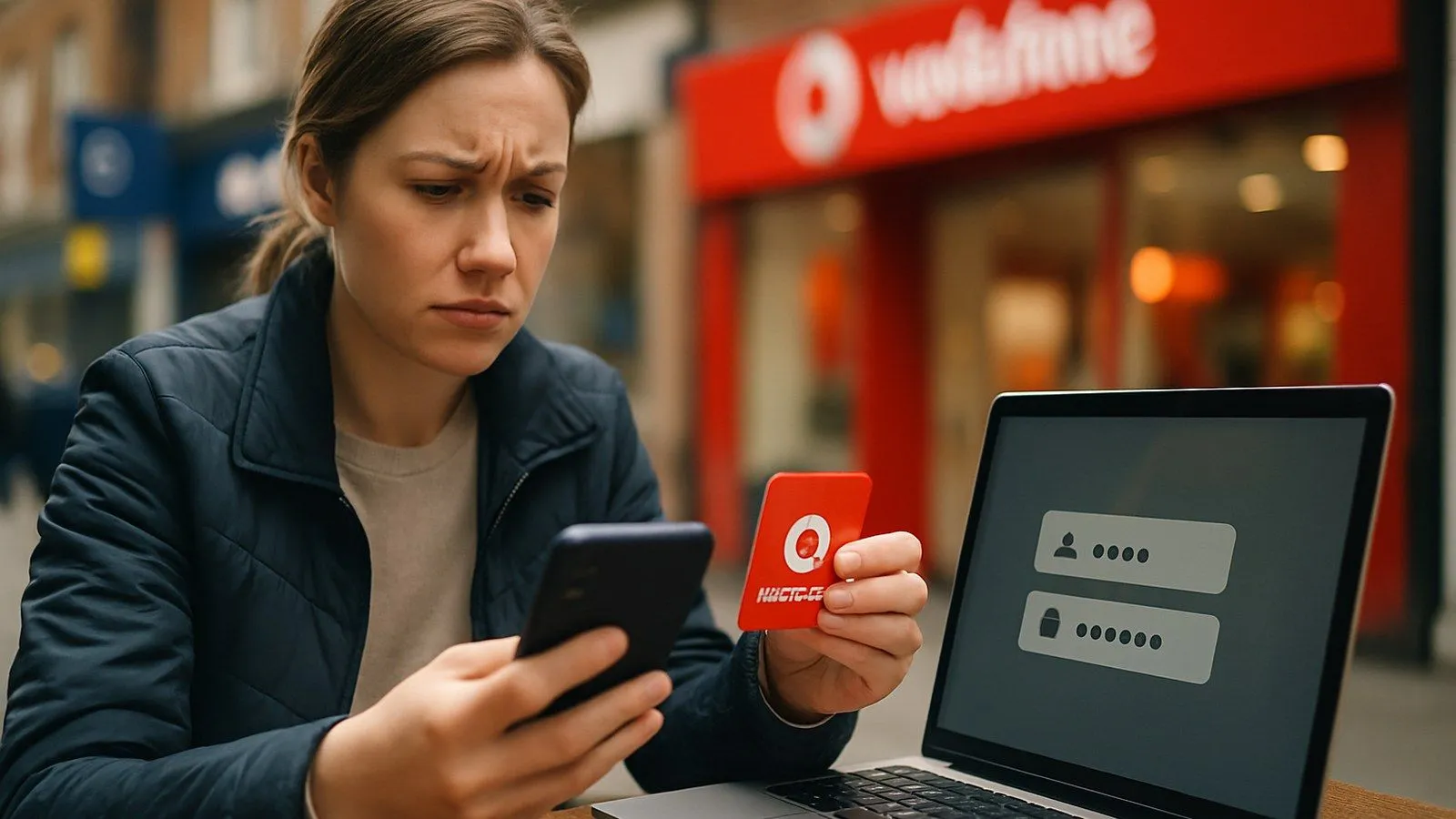
If you cannot log into your Vodafone account, the most common cause is a forgotten password or incorrect username. You can reset your password by visiting the My Vodafone login page and clicking ‘Forgotten your password?’, which sends a reset link to your registered email. For a forgotten username, select ‘Forgotten username?’ and verify your identity using your mobile number or broadband order number. After five failed login attempts, your account locks automatically for security, requiring a password reset to regain access.
This guide covers the specific procedures for UK customers with Pay Monthly, Pay As You Go, Home Broadband, and Business accounts.
Check these basics first
Before resetting anything, rule out simple errors:
- Verify your internet connection works (test another website).
- Confirm you are using the correct login portal: the My Vodafone app for mobile services, the Vodafone Broadband app for home internet, or the main Vodafone UK website.
- Double-check for typos in your username and password. Passwords are case-sensitive.
- Turn off caps lock.
Password reset procedure
The official reset tool is the fastest solution for a forgotten password:
- Go to the My Vodafone login page.
- Click ‘Forgotten your password?’.
- Enter your username when prompted.
- Check your registered email inbox for the reset link (it should arrive within five minutes).
- Follow the link and create a new password.
Vodafone locks your account after five incorrect password attempts. The reset process automatically unlocks it.
Username recovery
If you have forgotten which email or username you registered with:
- Visit the My Vodafone login page.
- Select ‘Forgotten username?’.
- For mobile accounts, enter your Vodafone mobile number to verify your identity.
- For broadband accounts, provide your broadband order number (found in your confirmation email, starting with WEB, SBL, EDM, or UC4).
- Your username will be sent to the email address on file.
Account-specific login issues
Mobile accounts (Pay Monthly and Pay As You Go)
The standard reset process applies to both contract and prepaid mobile customers. You can access your account via the website or the My Vodafone app. If you recently left Vodafone and your number has been disconnected, you will not be able to log in unless you set up an alternative contact number before cancellation. In that case, call customer services on 191 (free from a Vodafone mobile) or 0333 304 0191 (from other phones).
Home Broadband
Broadband customers manage their account through the main My Vodafone portal. You can also control your router’s WiFi name and password directly via the Vodafone Broadband app or by typing 192.168.1.1 into your web browser while connected to your router. This router admin password is separate from your My Vodafone account password, so do not confuse the two.
Business accounts
Vodafone Business users must log in through the Vodafone Business Portal, not the consumer portal. Mobile business customers can recover their username and reset their password using the dedicated links on that portal. Use your work email address (typically user@company.com), not a personal email. For fixed-line business services, if the password reset does not work, contact the business service desk via webchat or phone.
Security codes and reset emails not arriving
Vodafone sends a security code to your phone or an email to your registered address when you reset your details. If it does not arrive within five minutes:
- Check your spam or junk folder. Corporate email systems often filter automated messages incorrectly.
- Request a new code using the option on the reset page. Always use the most recent code; older codes expire. Security codes are valid for 20 minutes.
- Ensure you have not blocked calls or texts from Vodafone on your phone.
- For business accounts, check with your IT department. Your company’s firewall or email quarantine system may be blocking the message.
When to contact Vodafone directly
If the self-service steps do not work, stop trying to log in (repeated attempts will keep your account locked) and contact support:
- TOBi digital assistant: Start a webchat with TOBi on the Vodafone website or in the My Vodafone app. TOBi is available 24/7 and can help with login recovery. If TOBi cannot resolve the issue, it will transfer you to a human agent.
- Phone support: Call 191 free from a Vodafone mobile, or 0333 304 0191 from any other UK phone (standard charges apply). Phone lines are open 8am to 10pm on weekdays and 8am to 8pm on weekends.
Have your account details ready when you call: your mobile number or broadband order number, and the registered email address if you know it.

Comments
0 comments
Loading comments…