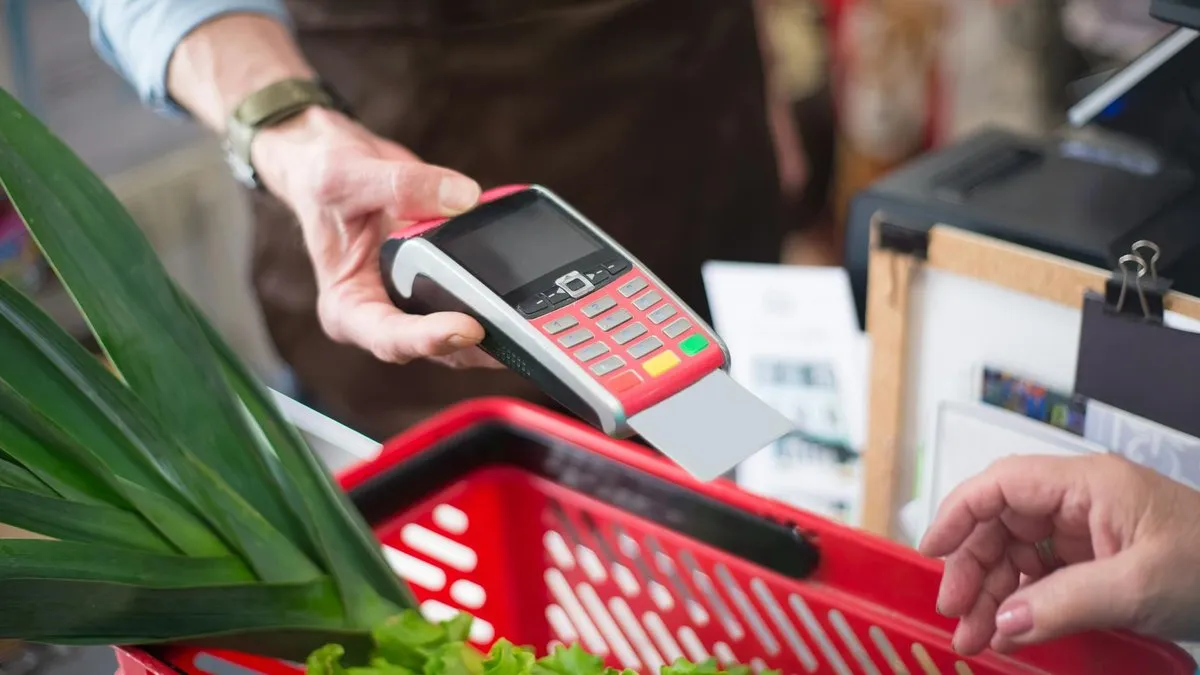
You can buy Vodafone top-up vouchers at thousands of UK retailers, including Tesco, Asda, Sainsbury’s, Morrisons, Co-op, Post Office branches, and PayPoint outlets in local newsagents and petrol stations. Online, you can purchase e-vouchers from Tesco, Argos, and specialist sites like Mobiletopup.co.uk, with codes typically delivered to your email within minutes.
A Vodafone voucher is a 16-digit code that adds credit to a Pay As You Go account. It’s useful if you prefer cash payments, want to avoid registering a bank card, or need to top up someone else’s phone.
Buying vouchers in physical shops
Walk into any of these locations and ask for a Vodafone top-up. You’ll either receive a printed receipt with the 16-digit code or have the credit applied directly to your number at the till.
Supermarkets: Tesco, Asda, Sainsbury’s, Morrisons, and Co-op all stock Vodafone top-ups. Head to the customer service desk or checkout.
Post Office: Every Post Office branch can issue Vodafone e-vouchers. The code prints on your receipt.
PayPoint retailers: Thousands of corner shops, newsagents, and petrol stations display the PayPoint logo. These outlets sell top-ups for all major networks, including Vodafone. You pay at the counter and receive a receipt with the PIN.
Vodafone stores: Official high-street Vodafone shops can process top-ups in person, though you may find shorter queues at a local PayPoint outlet.
Denominations in shops typically range from £5 to £50. Common values are £10, £15, £20, £30, £40, and £50.
Buying vouchers online
If you need credit immediately and don’t want to leave the house, several retailers sell Vodafone e-vouchers for digital delivery.
Tesco sells e-vouchers online in £10, £15, and £20 amounts. The code arrives by email after purchase, usually within a few minutes.
Argos stocks Vodafone e-vouchers for digital delivery, often within two hours. Denominations include £10, £15, and £20.
Specialist top-up sites such as Mobiletopup.co.uk and Recharge.com accept PayPal, debit cards, and credit cards. Codes are sent instantly by email. Always check the site is secure (look for the padlock icon in your browser) and read reviews before entering payment details.
The most direct online method is to top up via the Vodafone website or the My Vodafone app, which accepts debit cards, credit cards, and PayPal. This skips the voucher step entirely and adds credit straight to your account.
How to redeem your voucher
Once you have the 16-digit code, you can apply it to a Pay As You Go account in three ways. All are free from a Vodafone mobile.
Call 2345 from the Vodafone phone you want to top up. The automated system will ask you to enter the voucher number using your keypad.
Use the My Vodafone app. Log in, tap the ‘Top up’ section, and select the option to activate a voucher. Enter the 16 digits.
Go online. Visit the My Vodafone section on the official Vodafone website, log in, and redeem your code.
Credit usually appears on the account within seconds. You should receive a confirmation text message.
Checking your balance after topping up
To see how much credit remains on your Pay As You Go account:
- Dial *#1345# from your Vodafone phone. Your balance will appear on the screen.
- Call 2345 to hear your balance read aloud.
- Open the My Vodafone app, where your balance is displayed on the home screen.
What to do if the voucher doesn’t work
If the code is unreadable or won’t redeem, first check you’ve entered all 16 digits correctly. Zeros and the letter O are easy to confuse, as are the number 1 and the letter I.
If the problem continues, contact the retailer where you bought the voucher. They are responsible for the sale and should replace a faulty code or refund your money.
If the retailer can’t help, call Vodafone customer services on 191 from your Vodafone mobile. Have your voucher receipt and the code (if readable) ready when you call.
Why use a voucher instead of a card?
Vouchers suit people who don’t have a bank card, prefer not to share card details online, or want to control spending by buying a fixed amount of credit. They’re also useful for gifting credit to a friend or family member. The recipient can redeem the code on their own phone without needing access to your payment method.
One downside: vouchers can’t be refunded once redeemed, so double-check the phone number before applying the credit. If you top up the wrong number by mistake, Vodafone may be able to reverse the transaction if you call immediately, but this isn’t guaranteed.
Comments
0 comments
Loading comments…