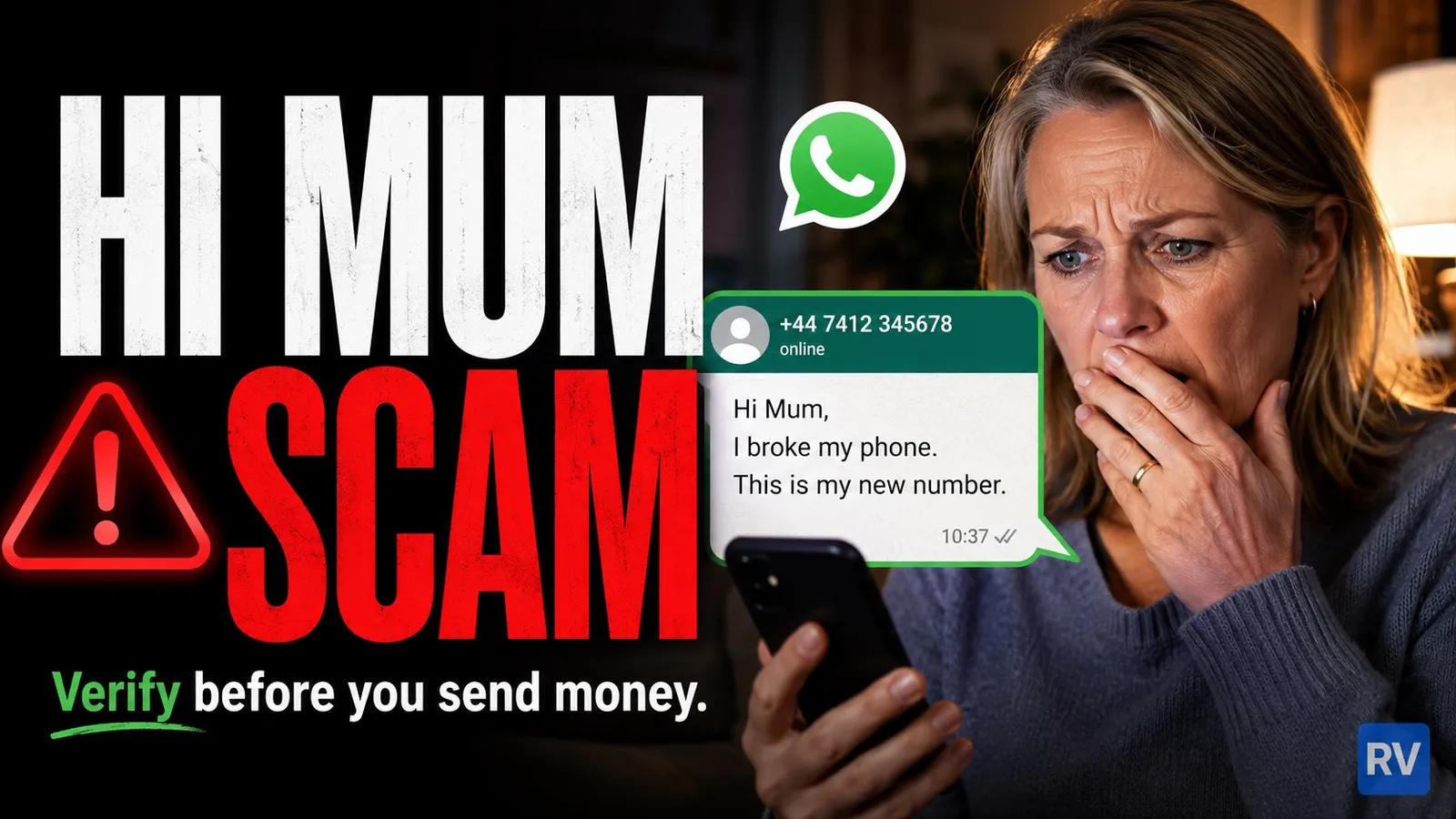
If a number you do not recognise has just messaged you on WhatsApp claiming to be your son, daughter, partner or another close relative on a “new phone”, treat it as a scam until you have independently verified them through their known number. The “Hi Mum” pattern has been one of the most damaging mobile-driven scams in the UK since 2022 and has only grown worse with the arrival of AI voice cloning. This guide is part of our mobile scams series and explains how the conversation usually unfolds, why it works, and exactly how to verify before you act.
What the conversation looks like
The opening message is almost always the same shape. The samples below are anonymised, drawn from cases reported by UK consumer publications.
Unknown number: Hi mum, I’ve broken my phone and I’m using a friend’s old one. This is my new number.
Mum: Hi darling, are you OK?
Unknown number: Yes but I urgently need help. I’ve lost access to my bank app and I have a bill to pay today. Can you transfer £200 to my new account? Details are [account].
Mum: OK, give me a moment to sort it.
Unknown number: Thank you so much mum, I really appreciate it.
Variants:
Unknown number: Hi mum it’s me. I’m in trouble.
Mum: What’s wrong?
Unknown number: I was in an accident and I need money for repairs urgently. My card is broken. Please send £500 immediately. I’ll explain later.
There is also a less common but growing inverted variant where the scammer poses as a parent contacting their adult child:
Unknown number: Hello son, it’s dad. I’m having issues with my bank account and I urgently need help paying a bill. Can you transfer me £300?
The shape repeats: an unknown number, a pretext of “phone broken / new number”, an emotional hook (you, the parent or child, helping a loved one in trouble), an urgent monetary ask, and a deadline so tight that you do not have time to verify.
Why this scam works
Three forces combine. The first is the family bond, you feel an obligation to help instantly, not investigate. The second is artificial urgency, “today”, “now”, “before the bill goes overdue”, which is engineered to suppress careful thought. The third is plausibility, broken phones happen, lost bank access happens, an emergency from a child away from home happens. The story is just credible enough.
What the scammer relies on is that nobody verifies under emotional pressure. They have no idea who the real child is, what they sound like, where they live. They send the same opening to thousands of numbers and rely on the response from those who do not pause to check.
The 2025 evolution: AI voice notes
Until 2024 the scam was almost entirely text. From 2025 onwards UK fraud teams started to see WhatsApp voice notes that clone the real voice of the child or relative. Public clips on Instagram, TikTok and YouTube are enough to train a usable clone in seconds with tools that are widely available. The scammer follows the text opener with a voice note from the “cloned” relative, breathing fast, sounding upset, asking for the money. The voice sounds right, which removes a verification cue many parents would have relied on.
The implication for verification is clear: voice alone is no longer reliable. The two checks that still hold are calling the relative on the number you already have for them (which the scammer does not control), and asking a question only the real person would know. We cover this in more depth below.
Six red flags to spot it
- A number not in your contacts messages you claiming to be a relative. The opening line, every time.
- A “lost phone” or “broken phone” pretext. Almost universal. It explains why the message is not coming from the real number.
- An urgent money request, usually a few hundred pounds. The amount is chosen to be plausible (not so small as to be ignored, not so big as to trigger automatic suspicion).
- A refusal of a video call or a regular voice call. “Can’t talk now, just send the money”, “no time for a call”. A real relative in trouble will almost always be relieved to hear from you.
- Account details for a person or account name you do not recognise. Real relatives ask you to send money to their account, the name on the account matches their name. A different name, “my friend’s account”, “my landlord’s account”, is a red flag.
- Pressure to act without telling anyone else. “Don’t tell dad, he’ll worry.” Isolation is a classic scam pattern, it stops you from triggering verification by a second person.
How to verify before you send anything
Three checks. Do not skip them, no matter how convincing the opener is.
Call the relative on the number you already have for them. Open your contacts, find their normal number, ring it. If they pick up and say it was not them, you have caught the scam in the act. If they do not pick up, try a second route, a sibling, a partner, another known number for the same person.
Insist on a video call from the supposedly new number. If they refuse, the answer is settled, it is not them. Real relatives will tolerate the inconvenience of one quick video call when money is on the line.
Ask something only the real person would know that is not on social media. The name of a childhood pet, what you cooked together on a specific occasion last month, the name of their primary school teacher. If they stall, change subject or refuse, it is not them.
The same principle, verify on a known channel, applies in our coverage of bank impersonation calls, where the right check is calling the bank on the number on the back of your card rather than answering an inbound call.
What to do if you have already sent money
The window to stop or reverse the transfer is measured in minutes to hours, not days. Act now.
Call your bank immediately, on the number on the back of your card (not on any number anyone messaged you). Tell them you have been the victim of a “Hi Mum” or impersonation scam and the transfer was at [time]. Ask them to attempt to recall the payment and to monitor for further activity. Under the Payment Systems Regulator’s mandatory reimbursement scheme that came in on 7 October 2024, banks are required to reimburse most authorised push payment (APP) fraud up to £85,000 per claim, normally within five working days, with limited exceptions.
Block the scammer on WhatsApp, then long-press the message and choose “Report” so Meta can investigate the account.
Report the incident to Action Fraud, online at actionfraud.police.uk or by phone on 0300 123 2040. Provide as much detail as you can, the message screenshots, the time of the transfer, the account number it went to (if you have it), and the WhatsApp number it came from. Reports are how the pattern gets tracked and how takedowns get coordinated.
Tell the real relative, both because they deserve to know and because the scammer may have the same template waiting to send to their friends.
Lock down your WhatsApp before it happens
Two settings that take a minute and protect you against the related “WhatsApp takeover” pattern (a six-digit code phishing trick).
In WhatsApp, open Settings, then Account, then Two-step verification. Turn it on and set a PIN you will remember. From then on, even if someone manages to intercept the six-digit registration code, they cannot register your number on another device without your PIN.
Then a hard rule: never share the six-digit WhatsApp code with anyone, ever, including someone who claims to be a friend who “sent it to your number by accident”. That is one of the most common precursors to a WhatsApp takeover, and it is itself a scam.
The same defensive logic applies to other scams in this series, from Vodafone billing texts to HMRC refund texts and missed delivery messages, if you did not initiate the contact, you do not act on it until you have verified through a channel they do not control.
Sources and methodology
The figures here are from Action Fraud (City of London Police), Lloyds Banking Group’s published fraud guidance, the National Cyber Security Centre’s phishing collection, Meta’s WhatsApp scam prevention pages and consumer reporting by Which?. Sample conversations are reproduced anonymised. No scammer phone numbers are published. This article was last reviewed on the date shown at the top and will be updated when new patterns appear.
Comments
0 comments
Loading comments…