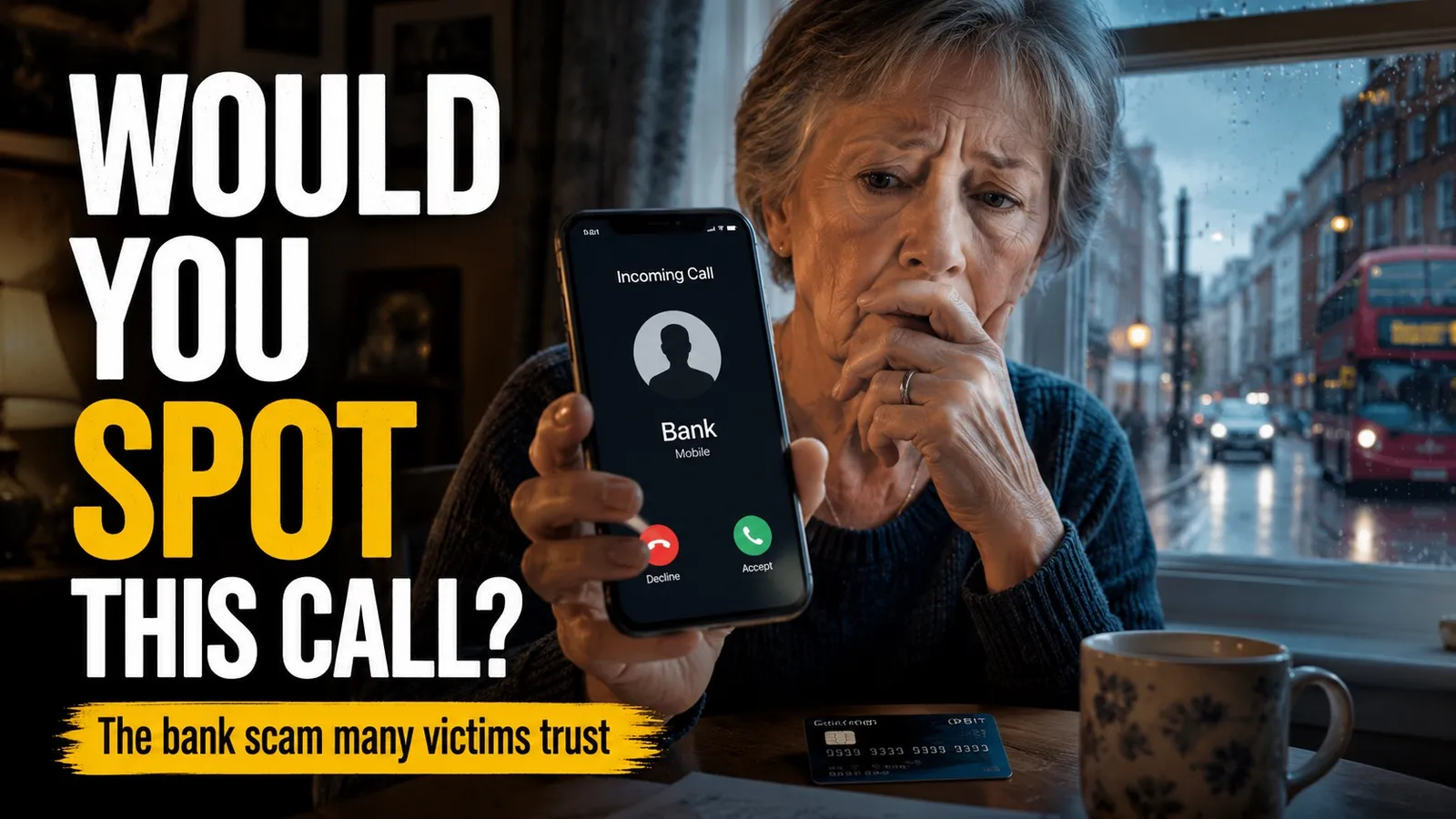
If someone has just rung you saying they are from your bank’s fraud team and that “suspicious transactions” mean you need to transfer your money to a “safe account”, hang up. That single line is the scam, no matter how legitimate the caller sounds and no matter what number is displayed on your screen. UK banks do not ask customers to move money to protect it. This guide is part of our mobile scams series and explains how the call usually unfolds, the related “remote access” variant, your right to reimbursement, and what to do if you have already transferred.
What the call usually sounds like
These scripts are anonymised composites drawn from cases reported by UK consumer publications, the Take Five to Stop Fraud campaign and bank fraud awareness pages. The bank name changes, the script is more or less identical.
(Lloyds variant) “Hi, this is David from Lloyds Bank Fraud Prevention. We’ve detected suspicious transactions on your account, three payments to China and a transfer to Germany that we don’t recognise. Are you aware of these? Right, we need to protect your funds immediately. We’re going to move your money to a safe account registered in your name while we investigate. Don’t tell anyone at the bank, they may be compromised. Can you go to your online banking now?”
(Barclays variant) “Hello, this is Barclays Security. We’ve flagged your account due to unusual activity. For verification I’m going to send you a link, can you click on it and allow remote access to your device? You’ll need to install Quick Assist or AnyDesk. It’s completely safe, used by Microsoft support.”
(NatWest variant, blended with fake police) “Hi, I’m calling from NatWest Fraud Team with the National Crime Agency. We’ve been investigating fraud linked to your account, it may have been used for money laundering. You need to withdraw cash today and transfer it to a safe account we’ve set up for you. Once the investigation is complete, we’ll return it with interest.”
(HSBC variant) “HSBC Fraud Monitoring. We’ve put a block on large transactions until you verify your identity. What’s your 5-digit PIN from the back of your card? And your online banking password? We need both to reactivate.”
The shapes are unmistakable: a fraud problem you did not know you had, urgency that compresses your decision time, an instruction to move money or share something a real bank already knows, and a request to keep the conversation secret from other bank staff.
How the “safe account” trick actually works
The supposed “safe account” is controlled by the scammer or their money mules. You are talked through the steps of transferring your own money out of your account into theirs, often through a Faster Payment which clears in seconds and is hard to reverse. The narrative (“we’re protecting your funds while we investigate”) is designed to feel like an act of bank competence. In reality it is the customer being walked through the theft of their own money.
Three details make it work. The first is the caller ID, which can be spoofed to display your bank’s real number. The second is the internal jargon, fraud teams, sort codes, “Faster Payments to a beneficiary account”, which the scammer recites fluently. The third is the secrecy instruction, you are told not to tell anyone in branch or on the bank’s normal phone line, which removes the safest path to verification.
The remote-access variant
A second variant is just as common. Instead of being asked to transfer, you are told to “verify” by installing a remote-access app, AnyDesk, TeamViewer, Quick Assist or UltraViewer. Once installed, the caller can see everything you do on the device. They watch you type your PIN, observe your one-time codes, and authorise transactions themselves while telling you it is “the protection protocol”.
The Financial Conduct Authority reported an 86 per cent increase in this screen-sharing scam pattern in 2024, with £25 million in losses. No UK bank ever asks a customer to install a remote-access app for verification. Mention of any of those tools by name is by itself a definitive scam signal.
Seven red flags to spot it
- “Transfer your money to a safe account”, in any phrasing. UK banks never do this. The line is the scam.
- A request to install a remote-access or screen-sharing app. AnyDesk, TeamViewer, Quick Assist, UltraViewer. Refuse, hang up, ring back.
- A request for your PIN or full online banking password by phone. Your bank already has, or does not need, those.
- “Don’t talk to anyone in branch, they may be compromised.” Real banks do not isolate their customers from other staff.
- An unsolicited call with urgent monetary action. Real bank fraud handling permits time. If you are told you must act in the next minute or lose the money, the urgency itself is the trick.
- The caller ID matches your bank exactly. Treat the displayed number as unverifiable. Caller ID spoofing is the entire reason the scam works at scale.
- A request to withdraw cash and hand it over, or to transfer to an account in any name other than your own. Both are universal scam signatures.
What to do during and after the call
While the call is happening, hang up. There is no upside to staying on the line. If the call is real (it is almost never real), the bank will have a complete record of your account and you can call them back to deal with the issue properly.
Then call your bank on the number printed on the back of your card. That number is verified by the bank and cannot be spoofed from outside the bank. Tell the genuine operator about the call and ask whether there is any real fraud alert on your account. If you have any doubt at all about the device the call came in on, switch to a different device for the call back.
If you suspect the call was an attempt rather than a successful scam, report it to Action Fraud at actionfraud.police.uk or on 0300 123 2040. Reports are how the data is built that drives platform takedowns like the 2024 dismantling of the “Russian Coms” caller ID spoofing operation, which had been used to target around 170,000 UK victims.
Your right to reimbursement if money has already moved
On 7 October 2024 the UK Payment Systems Regulator’s mandatory APP fraud reimbursement scheme came into force. Under the scheme, UK payment service providers (banks, building societies, payment firms) are required to reimburse most cases of authorised push payment fraud up to £85,000 per claim. Reimbursement is normally completed within five working days, extendable up to 35 days where the bank needs to investigate. The cost is split 50/50 between the sending and receiving banks.
If you have transferred money to a scammer, ring your bank on the card-back number immediately, the earlier the call, the higher the chance of recovery. Explain that you are the victim of an authorised push payment fraud and request a reimbursement claim under the PSR scheme. The bank may apply a small excess (up to £100), which is waived for customers in vulnerable circumstances. Some categories of behaviour, such as ignoring an explicit warning during the payment journey, can reduce the cover, but the default position is that you are entitled to be reimbursed.
Do not be discouraged by the bank’s initial response. Reports during the first three months of the scheme suggest that around 86 per cent of money lost to APP fraud is being returned overall.
If you also installed a remote-access app
Treat the device as compromised until you have cleaned it. The NCSC’s general advice for compromised devices applies here, change the passwords of your important accounts (email and online banking first) from a different device, not from the compromised one. Run a reputable antivirus scan. If there is any doubt, factory reset the device and restore from a backup taken before the install.
The same disciplined response applies to the other scams in this series, the fake Vodafone bill SMS scam, the missed delivery SMS scam, the HMRC tax refund SMS scam and the Hi Mum WhatsApp scam. The verification principle is the same in all of them, if you did not initiate the contact, you do not act on it until you have verified through a channel the other party does not control.
Sources and methodology
Figures here are from UK Finance’s Annual Fraud Report 2024 and 2025, the Payment Systems Regulator’s published policy statement on the mandatory APP fraud reimbursement scheme (PS24/7), Take Five to Stop Fraud and Action Fraud reports. The Russian Coms takedown is documented by the National Crime Agency. Sample call scripts are anonymised composites of cases reported in UK consumer publications and bank fraud awareness pages. No scammer phone numbers are published, the spoofed numbers typically belong to innocent third parties. This article was last reviewed on the date shown at the top and will be updated when new variants emerge.
Comments
0 comments
Loading comments…