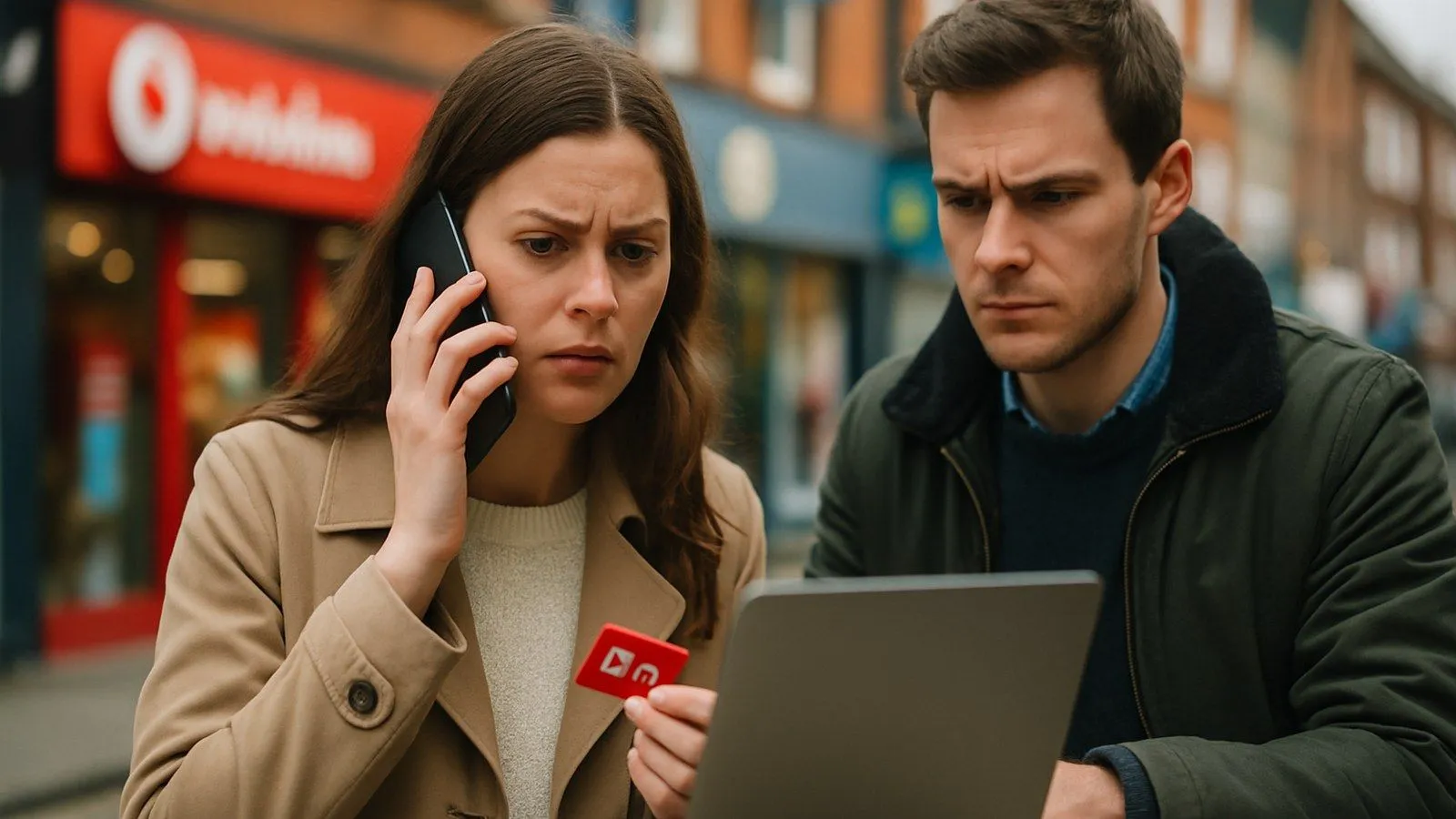
Restricted calls on Vodafone are almost always caused by call barring settings, either switched on accidentally or left active from a previous account change. An unpaid balance, a used-up minutes allowance, or a network-level block can also trigger the restriction. The fix is usually straightforward: check your call barring settings first, then contact Vodafone if the problem persists.
What does “connection to this number is restricted on this phone” mean?
This error appears when something is blocking outgoing calls at either the handset or account level. As one user described on Mobile Industry Review: "You know your account on Vodafone is screwed when you try dialling anything - voicemail, for example - and you get a 'connection to this number is restricted on this phone'." The fact that it blocks voicemail as well as standard calls is the tell-tale sign that call barring is the culprit, rather than a block on a specific number.
What causes calls to be restricted on Vodafone?
- Call barring switched on - the most common cause, sometimes enabled without the user realising.
- Outstanding account balance - Vodafone can restrict outgoing calls until an overdue payment is made.
- Minutes allowance exhausted - pay monthly plans restrict calls once your included minutes run out.
- Account suspension - a terms-of-service issue or fraud flag can trigger a full restriction.
- Roaming or number-type blocks - some accounts have restrictions on international calls or premium-rate numbers.
How do I turn off call barring on Vodafone?
Start on the handset itself. Go to Settings > Phone > Call Settings and look for a call barring or call restrictions option. If it is turned on, disable it. Whilst you are there, check that call forwarding is also switched off, as an active forwarding rule can sometimes conflict with outgoing calls.
If the setting appears to be off but calls are still restricted, the block may be sitting at the network level on your Vodafone account. Call Vodafone support on 191 from your Vodafone mobile, or 03333 040 191 from any other phone, and ask them to apply the call barring restriction and then immediately remove it. This resets the setting server-side and often clears the problem when handset-level changes have no effect.
Basic troubleshooting steps to try first
- Restart your phone. A simple reboot clears temporary network registration errors.
- Turn off call barring via Settings > Phone > Call Settings.
- Turn off call forwarding in the same menu.
- On iOS, reset network settings via Settings > General > Transfer or Reset iPhone > Reset > Reset Network Settings. On Android, the path varies by manufacturer but is usually under Settings > General Management > Reset > Reset Network Settings.
- If none of the above work, contact Vodafone to check for an account-level block or outstanding balance.
What if I still cannot make calls after switching networks?
Some users who have moved from Vodafone to iD Mobile have reported being unable to receive calls from Vodafone users after the switch. If you have recently ported your number, allow up to 24 hours for the port to complete fully. If the problem continues beyond that, contact your new network's support team rather than Vodafone, as the restriction is likely on the receiving end of the port process.
Comments
0 comments
Loading comments…