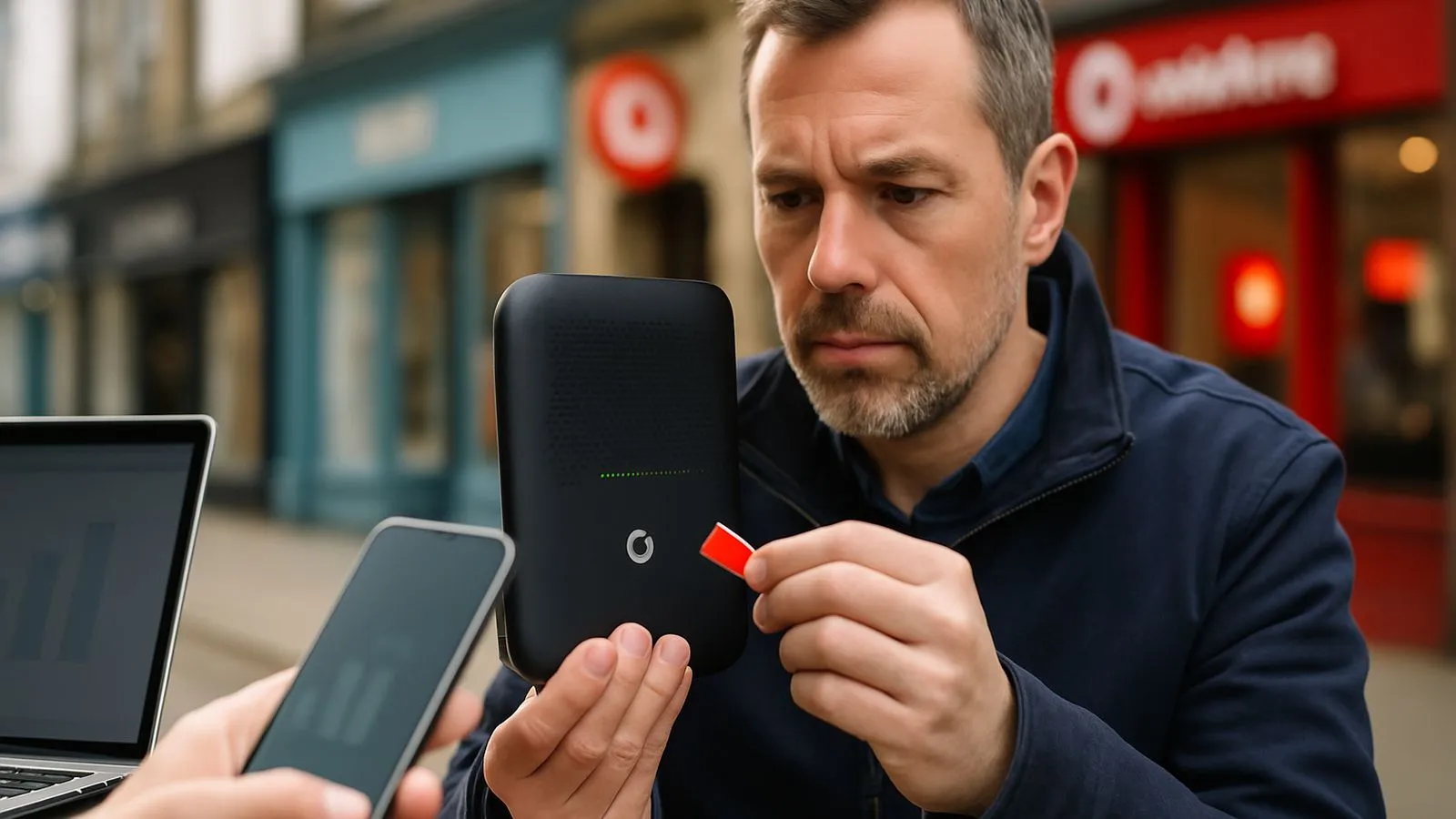
The simplest way to reboot your Vodafone router is to unplug it from the wall socket, wait at least 30 seconds, and then plug it back in. The simplest method is a power cycle. If that does not work, the Vodafone Station also lets you restart via the router’s user interface or its physical reset button.
What is the difference between a restart, a reboot, and a factory reset?
Vodafone treats these as three separate actions, and mixing them up can cause real problems. A restart and a reboot are effectively the same thing: the router powers off and back on, your settings stay intact, and your Wi-Fi password does not change. A factory reset is different. It wipes the device back to its original out-of-box state, which means you lose any custom settings, port forwarding rules, and potentially your Wi-Fi credentials.
Vodafone recommends trying a restart or reboot first. Only move to a factory reset if the problem persists after that.
How to reboot your Vodafone router by turning it off and on
This is the method to try first. It requires no buttons and no menus.
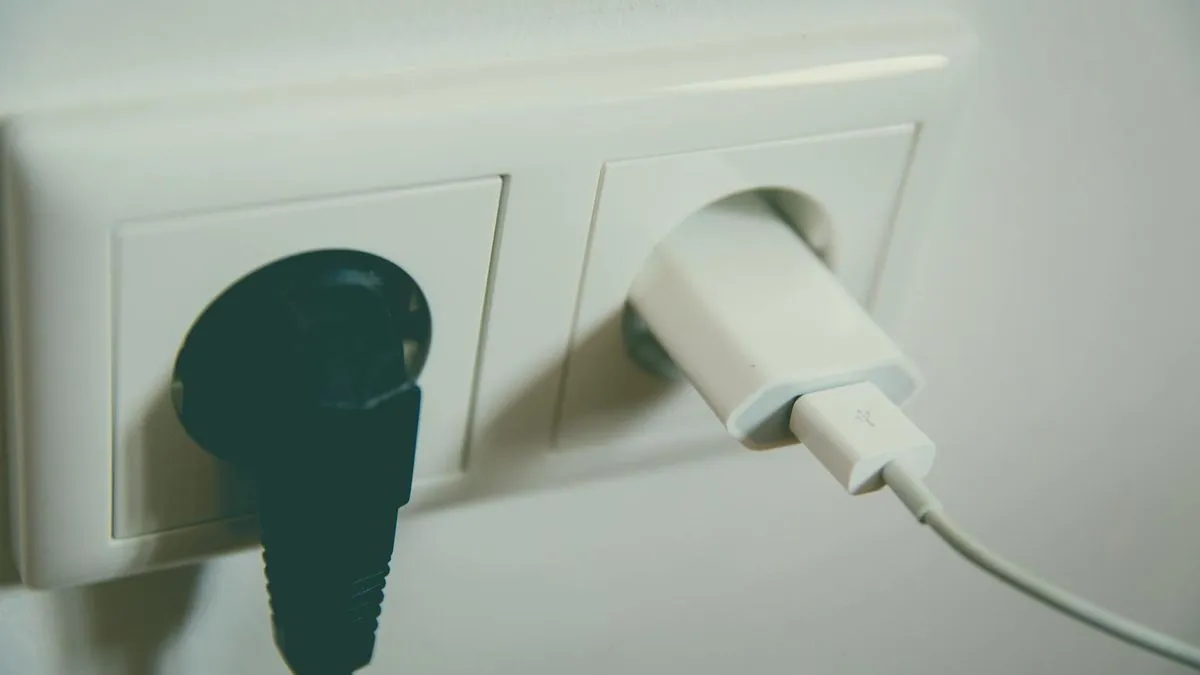
- Unplug the power cable from the back of the Vodafone Station.
- Wait 30 seconds. This gives the hardware time to fully discharge.
- Plug the power cable back in.
- Wait for the router to come back online. The lights will cycle before settling. Allow up to two minutes before testing your connection.
How to restart via the Vodafone Station user interface
If you prefer a software restart, log in to the Vodafone Station's admin interface through your browser. From there, the settings menu includes a restart option that performs a clean reboot without touching any of your saved configuration. This is a tidy option if the router is in an awkward spot and unplugging it is inconvenient.
How to use the physical reset button without triggering a factory reset
The reset button on the Vodafone Station is where people most often go wrong. Press it for only 5 seconds and the router performs a simple restart, leaving all your settings in place. As Vodafone's Community Blog states: "Pressing the reset button for only 5 seconds will simply restart your router without resetting it to factory settings."
Hold the button for longer than that and you risk triggering a full factory reset. If your goal is just a reboot, keep the press short and watch for the lights to indicate the restart has begun.
When does a factory reset make sense?
A factory reset is a last resort: use it only if repeated restarts have not resolved the problem and Vodafone support has suggested it. After a factory reset, the Vodafone Station returns to its original settings. You will need to reconfigure your Wi-Fi name, password, and any custom settings from scratch. The reset can be done either through the user interface or by holding the physical button for longer than the 5-second restart threshold.
Still having problems after a reboot?
If a power cycle and a button restart have not helped, check whether there is a known outage in your area via the Vodafone service status page before going further. If there is no outage and the issue continues, contact Vodafone support directly. A factory reset should only happen on their advice, since it creates more work to get back to a working setup.
```
Comments
0 comments
Loading comments…