The short answer
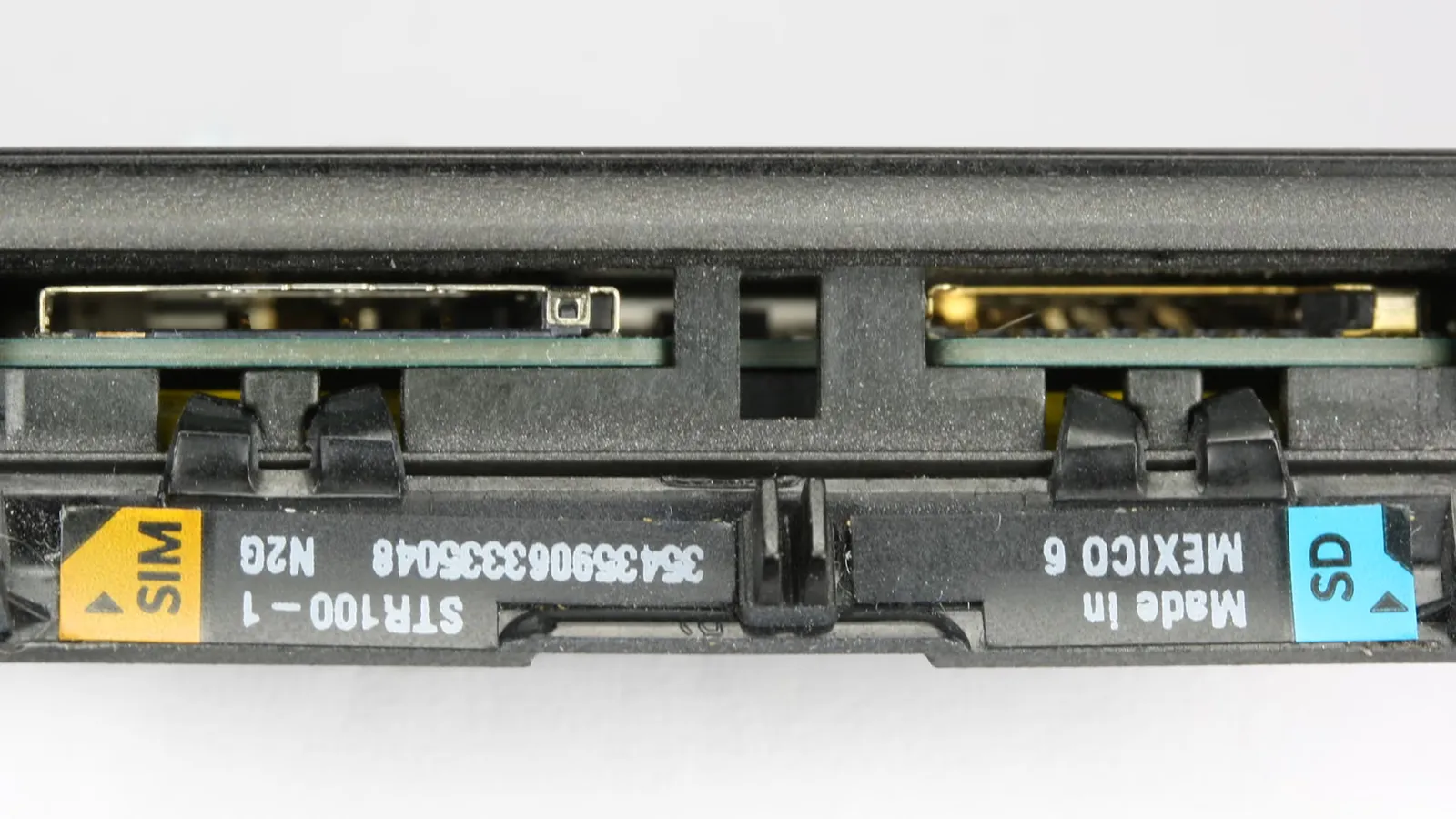
Yes, you can put your Vodafone SIM card into another phone. In most cases it takes less than a minute: power both handsets off, remove the SIM from its current home, slot it into the new device, and switch it on. Your number, calls, and texts will follow the SIM.
There are two practical conditions. First, the receiving handset must be unlocked (not restricted to a single network). Second, it must accept the same SIM size as your current card. If either condition is not met, this guide explains what to do.
For consumer rights context, Ofcom is the UK communications regulator and publishes clear guidance on unlocking rules that apply to all UK mobile operators, including Vodafone.
Is your current phone or new phone locked to a network?
A network lock means the handset will only accept SIM cards from one operator. It is distinct from a SIM-lock PIN (the PIN you enter when the phone boots). Network locks are set by the manufacturer at the operator’s request and are invisible in day-to-day use until you try a different SIM.
You are most likely dealing with a locked handset if you:
- Bought the phone on a Vodafone contract or instalment plan directly from Vodafone.
- Purchased a refurbished or second-hand phone that came on a Vodafone tariff.
You are unlikely to be dealing with a locked handset if you:
- Bought the phone SIM-free from a retailer such as John Lewis, Argos, or the manufacturer’s own store.
- Have already used the phone with a different network’s SIM without issue.
To test quickly, borrow a SIM from a friend on a different network, insert it, and see whether the phone registers a signal. If it shows “SIM not valid” or “Invalid SIM,” the handset is locked.
How to unlock a Vodafone handset for free
Since December 2021, Ofcom rules require UK operators to unlock devices at no charge. Vodafone complies with this requirement. You do not need to wait until the end of your contract.
Steps to request an unlock from Vodafone:
- Log in to My Vodafone at vodafone.co.uk or open the My Vodafone app.
- Go to Account, then select Unlock your phone (the option label may vary slightly by account type).
- Enter your IMEI number. Find it by dialling
*#06#on your handset, or check Settings > About Phone. - Vodafone will process the request. For most modern Android and iOS devices, the unlock is applied remotely within a few hours. Some older handsets require an unlock code sent by SMS or email.
Alternatively, call Vodafone customer services on 191 (free from a Vodafone mobile) or 03333 040 191 from any other phone. Vodafone’s own unlocking page lists current processing times.
If you believe Vodafone is not meeting its unlock obligations, Citizens Advice can advise on escalation routes, including the relevant alternative dispute resolution scheme.
Checking SIM size compatibility
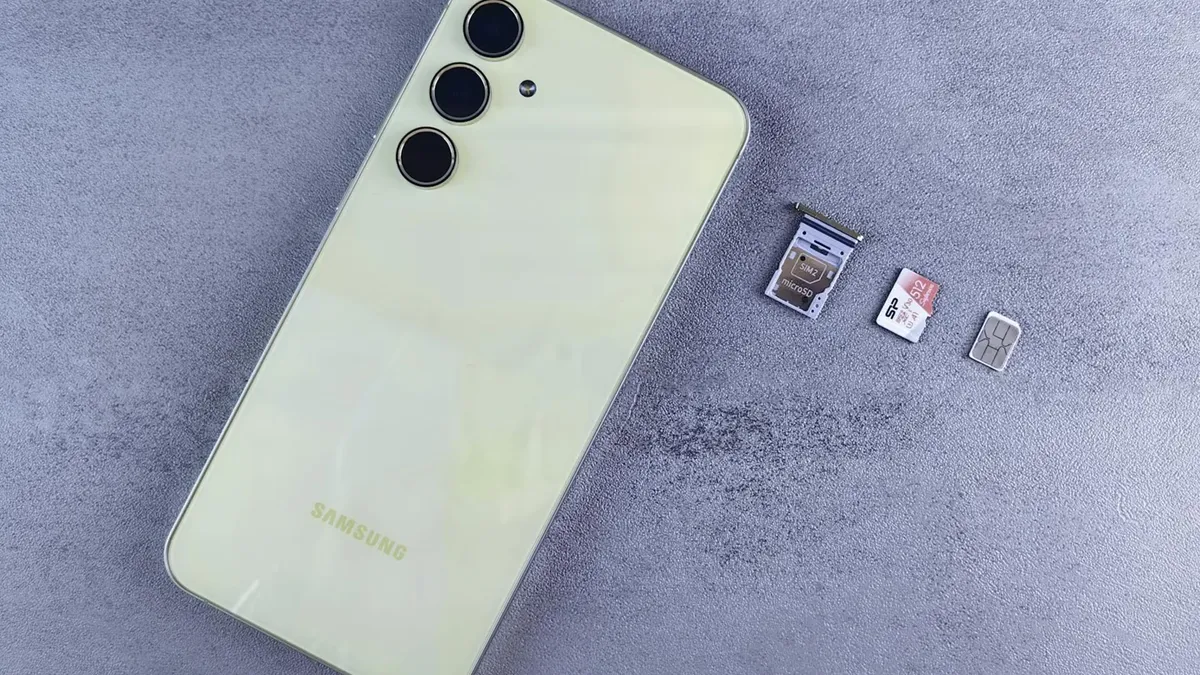
UK handsets use one of three SIM formats:
| Format | Dimensions | Typical use |
|---|---|---|
| Standard (Mini) | 25 x 15 mm | Older feature phones |
| Micro-SIM | 15 x 12 mm | Phones from roughly 2011 to 2014 |
| Nano-SIM | 12.3 x 8.8 mm | Most smartphones from 2014 onwards |
Check your new handset’s user manual or the manufacturer’s product page to confirm which format it requires. If your current Vodafone SIM is the wrong size, Vodafone will supply a replacement SIM cut to the correct format. You keep the same number, contract, and allowances. Contact Vodafone online, in store, or on 191 to request a replacement.
Do not attempt to cut down a SIM with scissors. Mis-cut SIMs can damage the card tray and will void the handset warranty.
What moves with the SIM and what stays behind
This is a common source of confusion. A SIM card holds a limited amount of data:
Moves with the SIM:
- Your mobile phone number.
- Any contacts you explicitly saved to the SIM card (not the phone’s internal storage or a cloud account).
- Network authentication credentials (so calls and texts work on the new handset).
Stays on the original device or in the cloud:
- Apps and their data.
- Photos, videos, and downloaded files.
- Contacts saved to Google, Apple, or your phone’s internal memory.
- WhatsApp message history (this is stored on the device or a linked cloud backup, not the SIM).
Before swapping, back up your old handset to Google Drive, iCloud, or a computer if you want to preserve this data. Moving the SIM alone will not migrate it.
Can I move a contract SIM to a different phone?
Yes. Your Vodafone contract is linked to the SIM (and therefore your account), not to any specific handset. You are free to move the SIM to any compatible, unlocked phone without notifying Vodafone. Your monthly allowances for calls, texts, and data remain exactly as contracted.
The only scenario where you need to contact Vodafone before swapping is if you are mid-way through a Vodafone device plan (also called a Vodafone Flex or EVO plan), where the handset itself is being paid off in instalments alongside your airtime. In that case, the device repayment agreement is separate from the SIM contract. Moving the SIM does not end the device plan, and you remain liable for the outstanding hardware payments. Check your agreement or call 191 if you are unsure.
Troubleshooting: SIM not working in the new phone
If you insert your Vodafone SIM into a new handset and it does not register, work through these checks in order:
- Confirm the handset is unlocked. This is the most common cause. Follow the steps in the unlocking section above.
- Reseat the SIM. Power off, remove the SIM tray, clean the contacts gently with a dry cloth, and reinsert.
- Check network manually. Go to Settings > Mobile Network > Network Operators and search manually. Select Vodafone UK. If it appears and connects, set it as preferred.
- Update APN settings. If data is not working after voice calls connect, the Access Point Name (APN) may need setting. Vodafone’s current APN settings are listed on vodafone.co.uk/help. The main data APN is
wap.vodafone.co.uk. - Contact Vodafone. If none of the above resolves the issue, the SIM itself may need reprovisioning on your account. Call 191 and quote the IMEI of the new handset.
Summary: steps to follow today
- Confirm the new handset is unlocked (test with another SIM if unsure).
- Check the SIM size and request a replacement from Vodafone if needed.
- Back up your data on the old handset before swapping.
- Power off both devices, move the SIM, and power on the new handset.
- If the phone does not connect, follow the troubleshooting steps above or call 191.
For more practical guides on getting the most from your Vodafone account, visit our How-To Telco hub.
You may also find our guide on Vodafone Pay As You Go top-up options useful if you are considering switching tariff type at the same time as changing handset.
Comments
0 comments
Loading comments…