
The fastest way to get a replacement Vodafone SIM is to call 191 free from your Vodafone mobile. You keep your existing number, and the new SIM arrives by post. You will need to activate it once it lands, which takes a few minutes through the My Vodafone app or website.
When do you actually need a replacement SIM?
A replacement SIM moves your existing Vodafone number onto a new physical card. You need one if your current SIM is lost, stolen, or damaged. You also need one if you are switching to a different handset that takes a different SIM size, for example moving from an older phone that uses a Micro SIM to a current model that needs a Nano.
What SIM size will Vodafone send you?
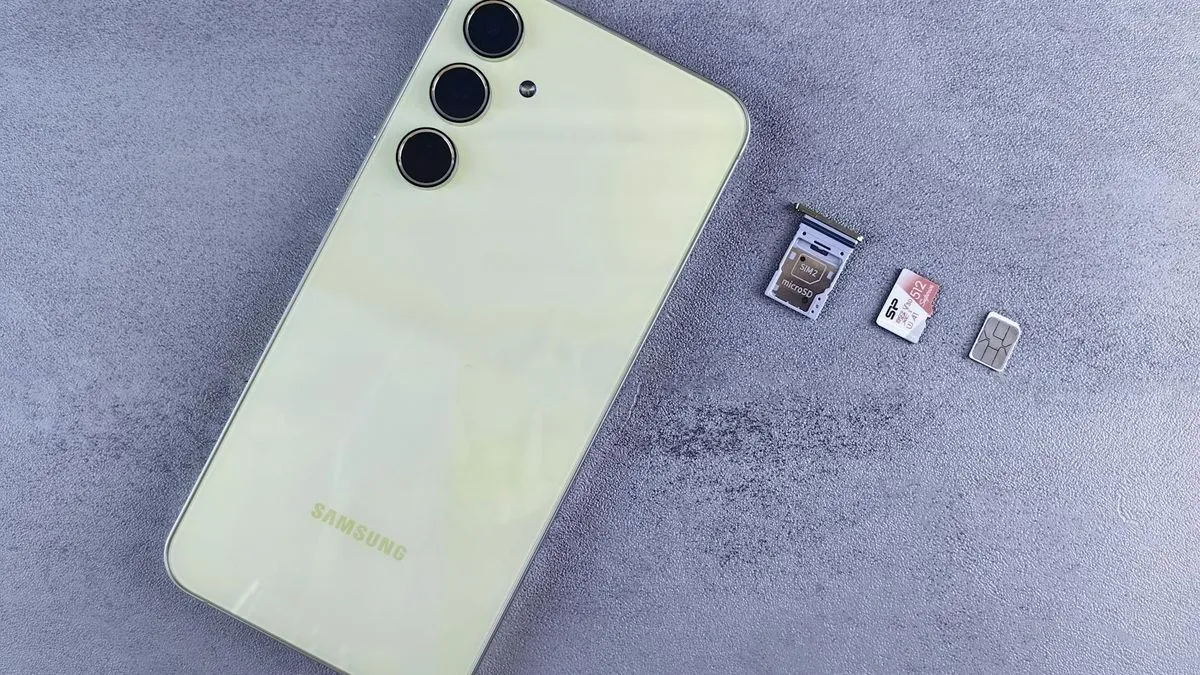
Vodafone replacement SIMs come in a 3-in-1 format, meaning a single card that covers Mini, Micro, and Nano sizes. You push out the size you need. This means you do not have to specify a size when ordering, which removes one potential source of error.
If your handset supports eSIM, that is worth considering as an alternative. An eSIM is a digital profile rather than a physical card, so there is nothing to wait for in the post. Check whether your device supports it before ordering a physical replacement.
How do you order a replacement Vodafone SIM?
Calling 191 is the most direct route. As Vodafone's own support page puts it: "The quickest way of ordering a replacement SIM is by calling 191. No need to queue or speak with an agent, simply call 191 free from your Vodafone mobile." The automated system handles the order without you needing to wait for an agent.
If you cannot call from your Vodafone number (because the phone is lost or stolen), you can log into your account at vodafone.co.uk and request a replacement SIM there. Alternatively, walk into any Vodafone store with a form of ID and your account details.
Scancom also sells Vodafone replacement SIMs on Amazon UK, though these are described as being for existing Scancom customers. For most Vodafone customers, the 191 route or the website is simpler.
How do you activate the replacement SIM?
Once the SIM arrives, activation goes through the My Vodafone app or at vodafone.co.uk. Vodafone's guidance is clear: "For the best experience, log into My Vodafone and activate your replacement SIM from there. You'll need to receive a text and pass two-factor authentication to do this."
Have access to a secondary contact method ready for that authentication step. Your old SIM stops working once the new one is activated, so do not snap the new one into your phone until you are ready to complete the process.
Will you still have the same number?
Yes. A replacement SIM is specifically about moving your existing number to a new card. Nothing about your contract, plan, or number changes. If you wanted to change your number at the same time, you would need to request that separately through Vodafone customer services.
Comments
0 comments
Loading comments…