What you need before you start
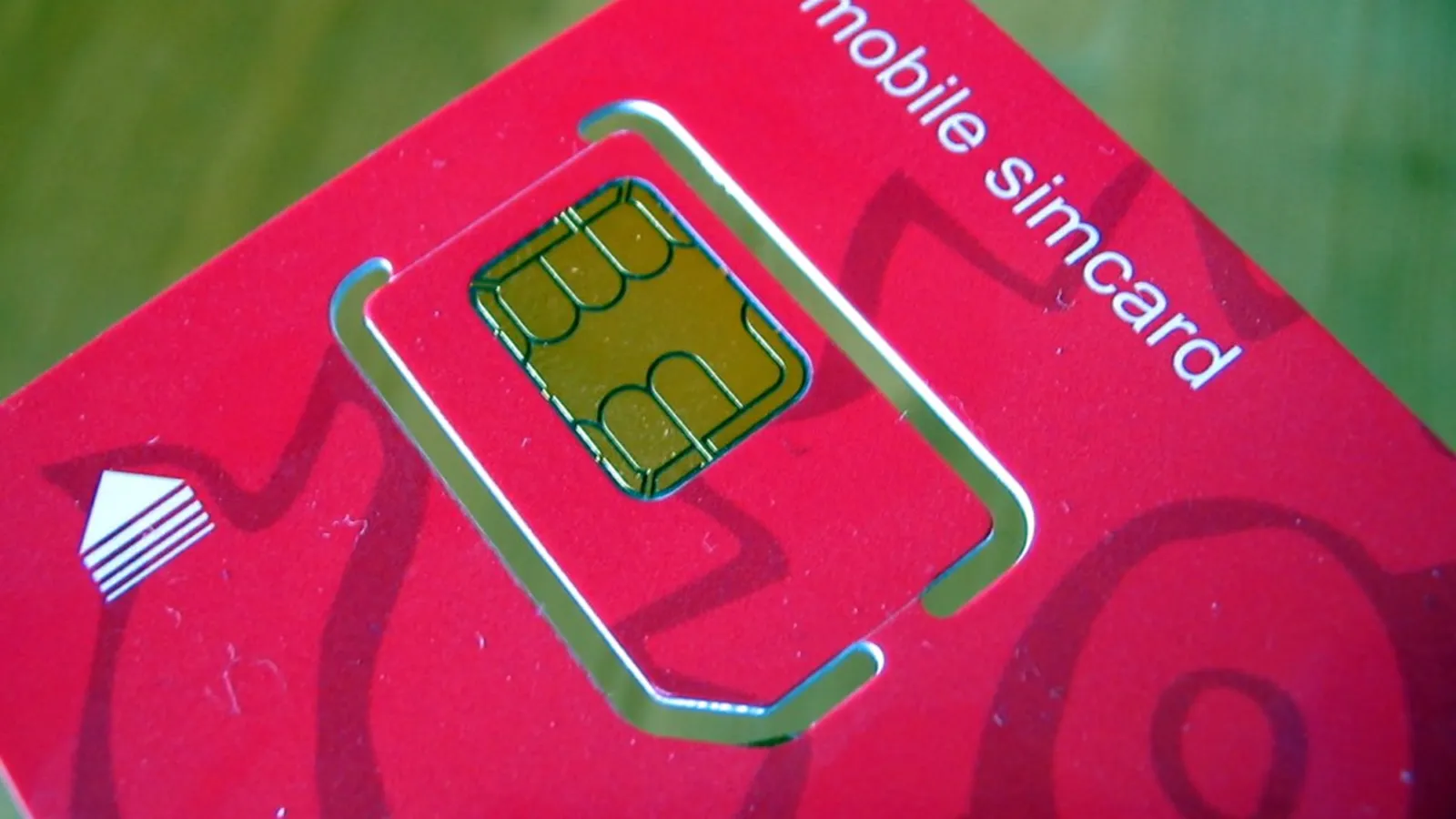
Before activating your replacement Vodafone SIM, gather the following:
- Your 19-digit SIM card number (ICCID). This is printed on the SIM card itself and on the plastic card or envelope it came in. It usually starts with 8944.
- Your 4-digit activation code. This is included with the replacement SIM, either on the packaging or in the confirmation email or text Vodafone sent when you ordered it.
- Your Vodafone account login details (email address and password), if you are activating through the online Self Service portal.
- A form of ID if you are activating in store (a driving licence or passport is accepted at Vodafone retail locations).
You do not need to insert the new SIM before starting the online process, but it is worth having it to hand.
How to activate your replacement Vodafone SIM online
The fastest method for most customers is the online activation page provided by Vodafone UK.
- Open a browser and go to vodafone.co.uk/activate.
- Log in with your Vodafone account email address and password. If you do not have an online account, you can register using your mobile number and account number (printed on any Vodafone bill).
- When prompted, enter your 19-digit SIM card number from the packaging or the card itself.
- Enter the 4-digit activation code that came with your replacement SIM.
- Follow the on-screen instructions to confirm the activation.
Once the process is complete, Vodafone’s system automatically deactivates the old SIM and transfers your existing number to the new card. Activation is usually immediate, though Vodafone advises it can occasionally take up to two hours for the network update to propagate fully.
How to activate via Vodafone Self Care
If you already manage your account through the Vodafone Self Care portal or the My Vodafone app, the process is slightly different:
- Log in at vodafone.co.uk or open the My Vodafone app on your current device.
- Navigate to Account, then select SIM management or Activate SIM (the exact label varies by account type).
- Enter the new SIM card number and the activation code.
- Confirm the request.
This route is useful if your account includes multiple lines, as you can specify which number the replacement SIM should be assigned to.
How to activate by phone
If you cannot access the internet, or if the online process returns an error, you can activate your replacement SIM by calling Vodafone customer service:
- From a Vodafone mobile: dial 191 (free of charge).
- From any other phone: call 03333 040 191.
You will need to verify your identity by providing your name, address, date of birth, and account number. The adviser will then activate the SIM remotely. Keep the new SIM to hand in case the adviser asks you to confirm the card number during the call.
Ofcom requires UK mobile operators to offer accessible customer service routes, so phone activation is always available as an alternative to online methods. You can read more about consumer rights on the Ofcom website.
How to activate in a Vodafone store
If you prefer to activate your replacement SIM in person, any Vodafone retail store can do this for you at no charge.
- Take your replacement SIM, your photo ID, and (if possible) a recent Vodafone bill or your account number.
- Ask a member of staff to activate the replacement SIM on your account.
- Staff will verify your identity and complete the activation on the system. You can usually leave the store with a working SIM within a few minutes.
You can find your nearest store using the store locator at vodafone.co.uk/storelocator.
What happens to your old SIM
As soon as the replacement SIM is activated, the old SIM card is deactivated automatically by Vodafone’s system. Any calls, texts, or data sessions in progress on the old SIM at the moment of activation will be dropped. You should therefore avoid activating mid-call if possible.
The old SIM does not need to be returned to Vodafone unless it was a corporate or business account SIM, in which case your account manager may advise otherwise. For consumer accounts, you can dispose of the old card securely by cutting through the chip.
Troubleshooting common activation issues
If activation does not complete as expected, the following checks resolve the majority of issues:
- Incorrect SIM number entered. The 19-digit ICCID is easy to misread. Double-check each digit against the card, paying particular attention to the difference between 0 (zero) and O (letter O), and between 1 and I.
- Expired activation code. Vodafone activation codes can expire if the SIM has been left unactivated for an extended period. If your code does not work, call 191 to request a new one.
- Account verification failure. If you have recently changed your address or email, the details you enter during verification must match what Vodafone currently holds on file. Update your account details first if necessary.
- Network propagation delay. If the activation page confirms success but your phone shows no signal, remove the new SIM, reinsert it, and restart the device. Wait up to two hours for the network to register the card fully.
- SIM not compatible with your device. Vodafone offers Standard, Micro, and Nano SIM sizes. If the wrong size was sent, contact Vodafone to request the correct format. Do not cut a SIM to resize it yourself, as this can damage the chip.
If none of the above resolves the problem, contact Vodafone support on 191 or use the live chat function at vodafone.co.uk/contact.
Keeping your number safe: a note on SIM-swap fraud
Activating a replacement SIM is a routine process, but it is worth being aware that criminals sometimes attempt to fraudulently activate a SIM in another person’s name in order to hijack their mobile number, a crime known as SIM-swap fraud. Action Fraud reports that SIM-swap attacks are used to bypass two-factor authentication on banking and email accounts.
Vodafone will never ask you to confirm sensitive account details via an unsolicited call, text, or email. If you receive unexpected contact claiming to be from Vodafone about a SIM activation you did not request, do not provide any information. Report suspicious contact to Action Fraud at actionfraud.police.uk or by calling 0300 123 2040.
For more guidance on staying safe from mobile-related fraud, see our mobile scams hub and our related guide on protecting your Vodafone account from SIM-swap attacks.
Comments
0 comments
Loading comments…