
Vodafone lets you divert incoming calls using short dial codes entered through your phone's keypad. You'll need to format the destination number with +44 instead of a leading zero, then dial one of three codes depending on whether you want to catch missed calls, busy-line calls, or calls when your phone is off.
Step 1: Format your destination number correctly
Vodafone's network requires international format. If your destination number is 01992 210400, you must enter it as +441992210400. Remove the first zero and prefix +44. This applies to all UK landlines and mobiles. Get the format wrong and the divert either fails or routes to the wrong place.
Step 2: Choose which scenario you need
There are three separate situations, each with its own code:
Unanswered calls: When you don't pick up in time, the call diverts after a set number of rings. Use *61*+44XXXXXXXXXX# (replace the Xs with your formatted number). Open your dialler, type the full string including the asterisks and hash, then press call. A confirmation message appears on screen within a few seconds.
Busy line: If you're already on a call and someone else rings, this code sends them to your chosen number instead of voicemail. Dial *67*+44XXXXXXXXXX# the same way.
Phone off or out of signal: When your handset is powered down or you're in a coverage blackspot, use *62*+44XXXXXXXXXX#. This is the one to set before a flight or a trip into the countryside.
Step 3: Activate the divert
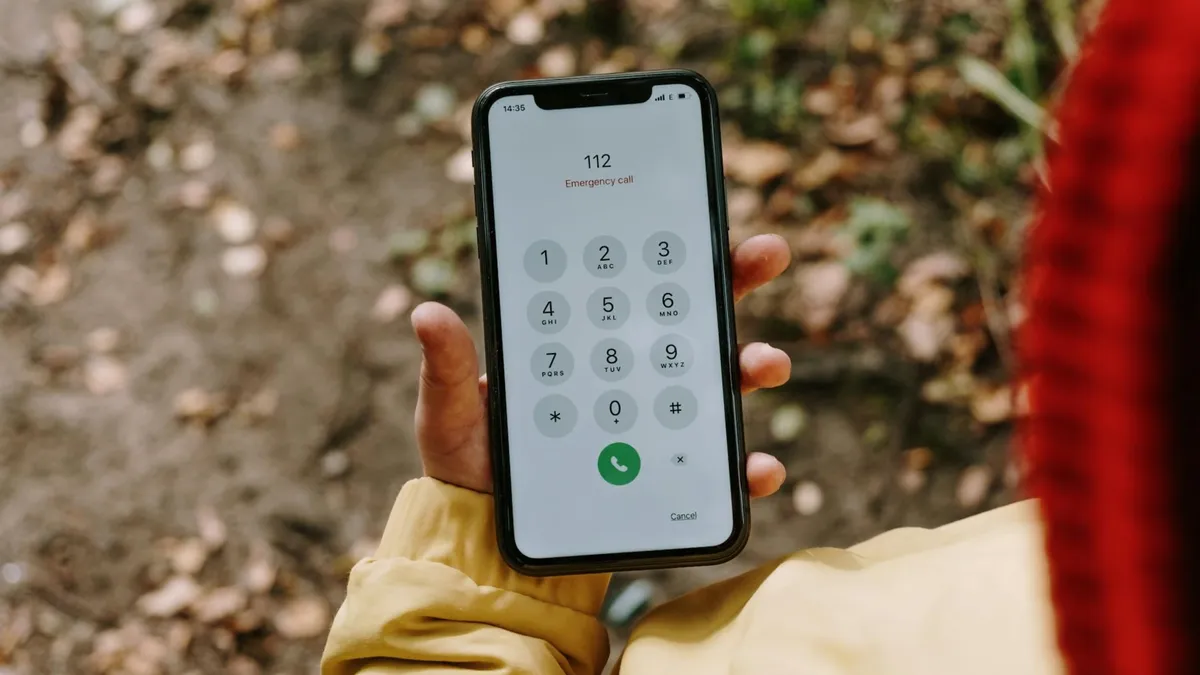
Type the code into your phone's dialler exactly as shown, then tap the green call button. You won't hear ringing. Instead, the screen displays a system message confirming the divert is active. The whole process takes under 30 seconds. You can set all three codes to the same destination if you want a universal fallback, or send each scenario to different numbers. Each code operates independently.
What it costs
Pay monthly customers usually find diverted calls covered by their inclusive minutes, though you should check your contract schedule to be certain. PAYG is less forgiving. According to hellocomtec's Vodafone knowledge base, "if you're on a PAYG service any calls diverted to another number will come off your minutes." If you're running a tight PAYG balance, a few diverted calls can drain your credit faster than expected.
Business customers: the OneNet route
If you're on Vodafone OneNet, ignore the dial codes. Log in to the OneNet portal, navigate to call forwarding settings, enter your destination number or select one from your saved contacts, then click Save. The portal handles everything without needing to memorise code strings.
Turning diverts off
To cancel a divert, dial the matching code but replace the destination number with a double hash. So *61*## switches off the unanswered-call divert, *67*## cancels the busy-line divert, and *62*## removes the off/no-signal divert. Press call and wait for the confirmation message.
When to ring 191
If the confirmation message doesn't appear, or if calls still aren't diverting after you've entered the code correctly, contact Vodafone on 191 from your mobile. The customer service team can check whether your account has call divert enabled (some older tariffs block it) and push the setting through from their end if needed. They can also verify that the destination number you've entered is formatted properly and reachable on the network.
Comments
0 comments
Loading comments…