What is a SIM Card Number?
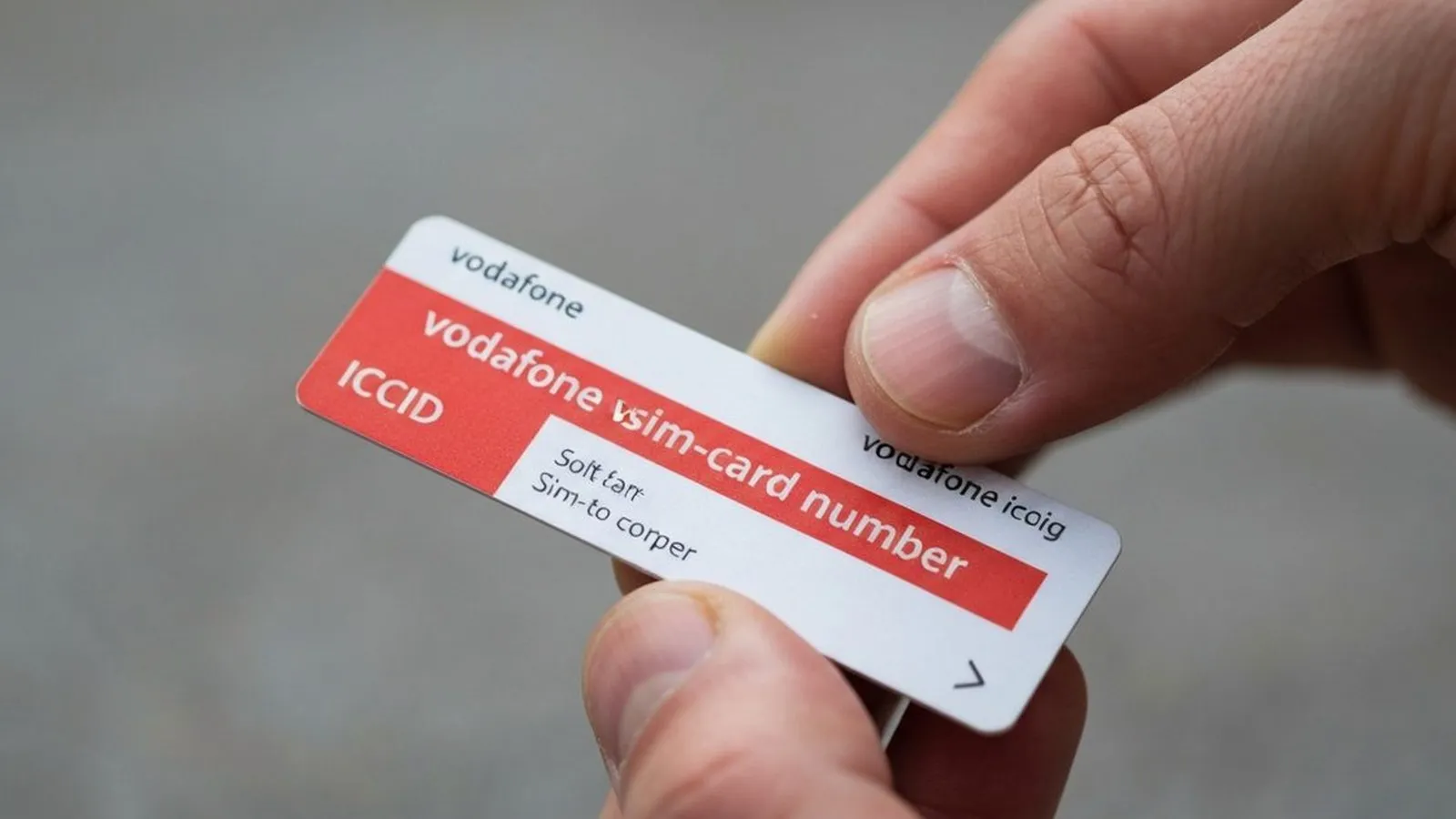
Your Vodafone SIM card number, technically known as the Integrated Circuit Card Identifier (ICCID), is a unique 19 or 20-digit serial number that identifies your physical SIM card or eSIM profile. This number is distinct from your mobile phone number (often called the MSISDN), which is used for making and receiving calls. The ICCID is tied directly to the SIM hardware itself and is used by mobile networks to authenticate your card and manage your connection.
Every ICCID used for telecommunications begins with the number 89. This is a standard industry code. The subsequent digits identify the country (44 for the UK) and the network provider (Vodafone), followed by a unique number for your specific card.
Finding your Vodafone SIM card number, or ICCID, is a straightforward process that typically takes less than two minutes. There are several reliable methods available, whether you have the physical card, have the SIM installed in your phone, or need to access the information remotely.
Method 1: Check the Physical SIM Card
The most direct way to find your SIM card number is to inspect the card itself. The full ICCID is printed on the plastic card. If you still have the larger, credit-card-sized holder that your SIM came in, the number will be printed on that as well. This is often the easiest method if you have not yet inserted the SIM into a device.
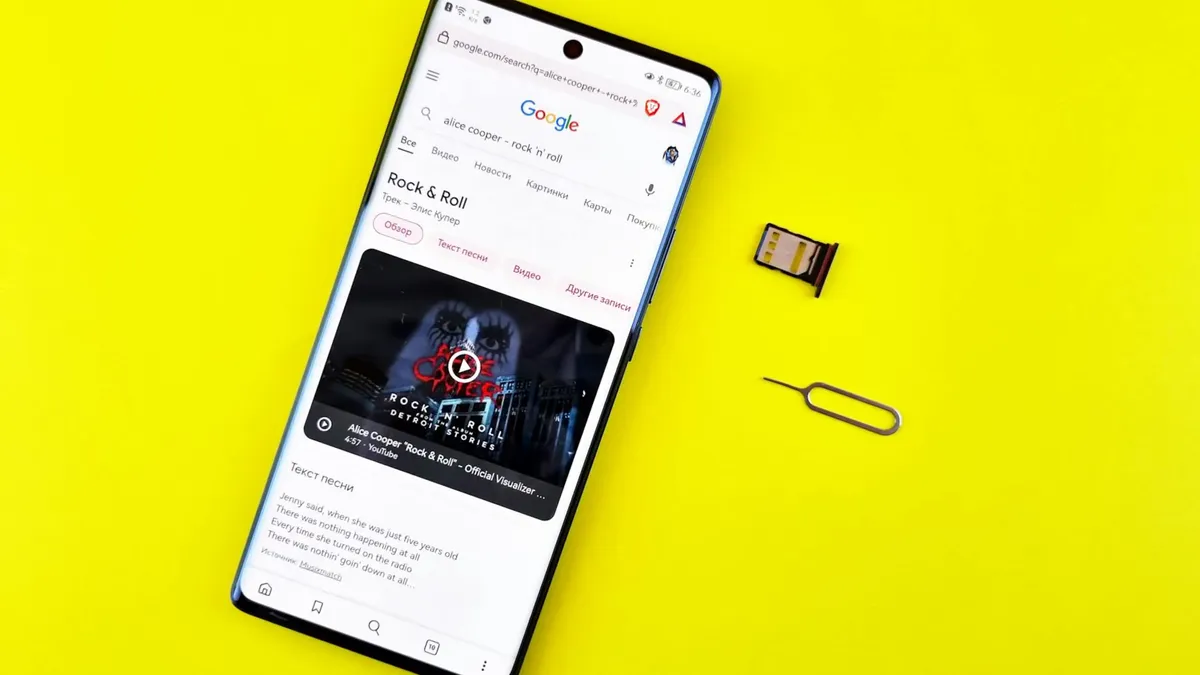
If the SIM is already in your phone, you will need to power down the device and use a SIM-ejector tool (or a small paperclip) to open the SIM tray. The number is very small, so you may need good lighting to read it clearly.
Method 2: Find the Number in Your Phone’s Settings
If you prefer not to remove the SIM card, your phone's operating system can display the number for you.
For iPhone Users:
On an Apple iPhone, you can find the ICCID by following a simple path in the settings menu.
- Open the Settings app.
- Tap on General.
- Select About.
- Scroll down the page. The ICCID is listed clearly in one of the sections.
For Android Users:
The steps for Android devices can vary slightly depending on the manufacturer, but the general process is similar.
- Open the Settings app.
- Tap on About Phone.
- Select Status or SIM Card Status.
- The ICCID will be displayed on this screen. Some manufacturers may label it as the "SIM ID" or "SIM serial number".
For devices using an eSIM, the equivalent identifier is the EID, which can also be found in your device settings.
Method 3: Use the My Vodafone Service
Vodafone provides access to your SIM details through its official online account portal and mobile application. This is particularly useful if you do not have physical access to your device.
- My Vodafone Website: Log in to your account at vodafone.co.uk. Navigate to the account management section, where you should find details about your device and SIM. The ICCID is typically listed under these details.
- My Vodafone App: The app, available for iOS and Android, offers the same functionality. After logging in, you can view your plan, usage, and account details, which include your SIM card number.
Method 4: Contact Vodafone Customer Services
If you are unable to use the methods above, Vodafone's customer service team can provide your SIM number after verifying your identity.
- From a Vodafone mobile: Dial 191 (this call is free).
- From any other UK landline or mobile: Dial 0333 304 0191.
- From abroad: Dial +44 7836 191 191.
You can also contact support through TOBi, Vodafone's digital assistant, available on their website and in the My Vodafone app.
SIM Number (ICCID) vs. Phone Number (MSISDN)
It is common to confuse the SIM card number with your mobile phone number. A USSD code can help illustrate the difference. If you dial *#100# from your Vodafone phone, the number that appears on your screen is your mobile phone number (MSISDN), not the SIM's ICCID. Your phone number is what people use to call you, while the ICCID is what identifies the SIM card to the network.
When Do You Need Your SIM Card Number?
While you will not need your ICCID for daily use, it is essential for several administrative and technical tasks:
- Activating a new or replacement SIM: When you receive a new SIM, you often need the number to activate it on your account.
- Setting up an eSIM: Transferring your plan to a new device with an eSIM requires the ICCID or EID.
- Troubleshooting with support: If you are experiencing network problems, a Vodafone support agent may ask for your ICCID to diagnose the issue.
- Porting your number: While the PAC code is the primary tool for moving your number, your new provider may require the SIM number of the new SIM they have sent you.
- Third-party services: Some business services, such as fleet management or device tracking systems, may use the ICCID to register and monitor devices.
Comments
0 comments
Loading comments…