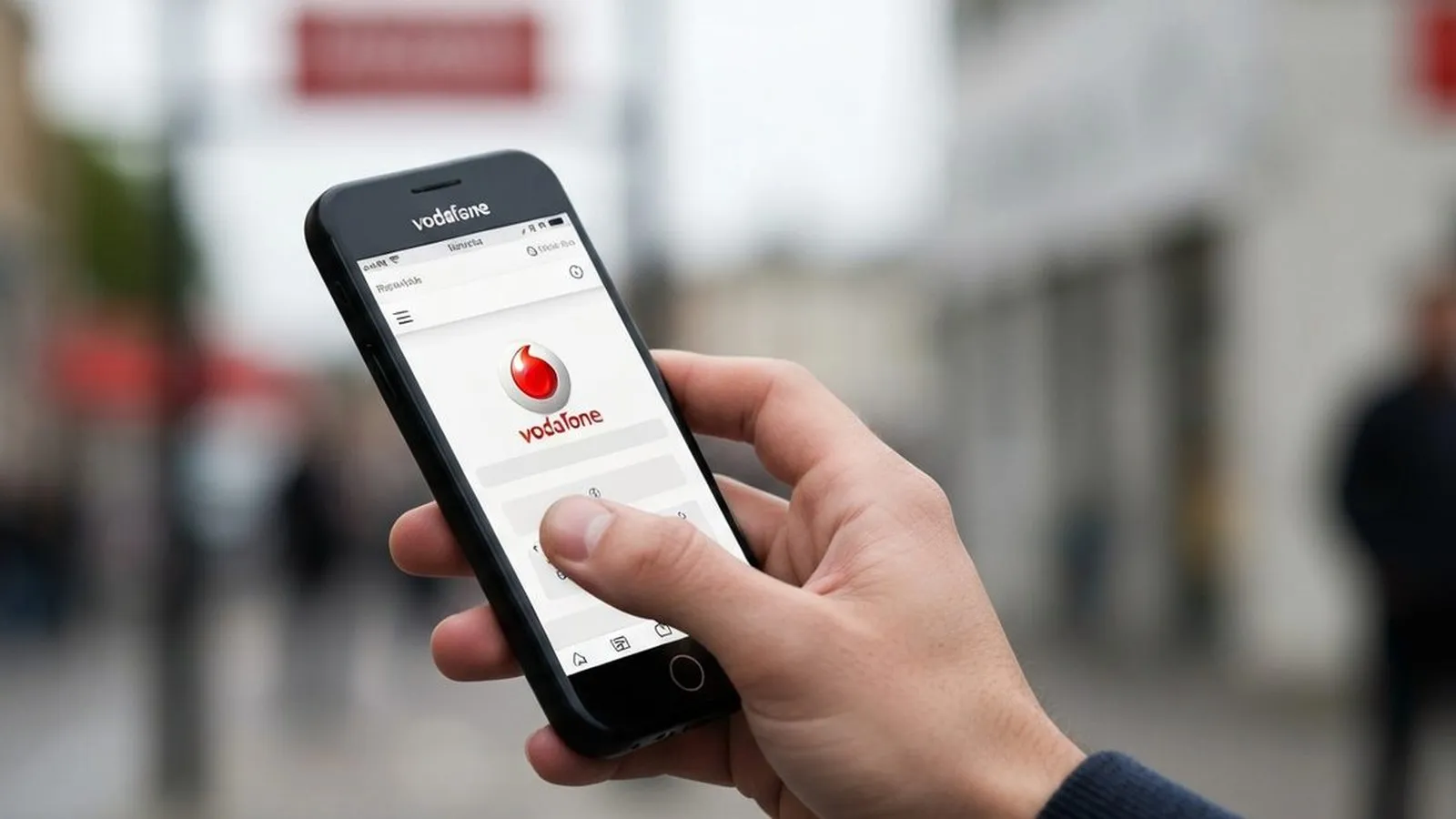
Keeping track of your mobile data is essential to avoid unexpected charges and ensure you stay connected. Vodafone provides several straightforward methods for both Pay Monthly and Pay as you go customers to monitor their data allowance. The most comprehensive tool is the My Vodafone app, but you can also check online or by making a free call.
Check Your Data Balance with the My Vodafone App
For the most detailed and immediate view of your usage, Vodafone recommends using the My Vodafone app. It is available for free on both the App Store for iOS devices and Google Play for Android.
Once installed, follow these steps:
- Open the app on your device. The first time you use it, you will need to be connected to the Vodafone mobile network (not Wi-Fi) to register your device securely.
- Log in using your Vodafone number and account password.
- Your remaining data, minutes, and texts for the current billing period will be displayed clearly on the app's home screen.
- For a more detailed breakdown, you can tap into the usage section to see historical data consumption and manage your plan.
The app also allows you to view and pay bills, purchase data add-ons (known as Extras), and manage your account settings in one place.
How to Check Your Data Balance Online
If you prefer not to use an app or are accessing your account from a computer, the My Vodafone website offers the same core functionality.
- Navigate to the My Vodafone login page on the official Vodafone UK website.
- Sign in with your account credentials.
- Once logged in, your account dashboard will display your current usage, including how much data you have left in your monthly allowance.
Check Your Balance by Phone
For situations where you have no internet access, Vodafone provides free-to-call numbers to check your balance from your Vodafone mobile. The correct number depends on your plan type.
- For Pay as you go customers: Call 2345 to hear your balance, or dial *#1345# to have your balance displayed on your screen.
- For Pay Monthly customers: Call 44555 to hear your balance information.
These services are automated and are the only methods that work without a data or Wi-Fi connection, making them a reliable backup if you have already exhausted your data allowance.
Managing Your Data Proactively
Beyond simply checking your balance, it is wise to manage your data usage to prevent running out unexpectedly. Vodafone offers several tools to help with this.
What to Do if You Are Low on Data
If you find you are consistently running low on data, you have a couple of options. Both Pay Monthly and Pay as you go customers can buy a one-off or recurring 'Data Extra' through the My Vodafone app. These bundles are typically cheaper than incurring out-of-plan charges. Alternatively, you may be eligible to change to a plan with a larger data allowance.
Set Up Usage Alerts and Spending Limits
Vodafone will send text notifications when you have used 80% and 100% of your monthly data allowance. For greater control, you can use the Spend Manager feature, which allows you to set a cap on out-of-plan charges for data, calls, and texts. This service can be managed through the My Vodafone app or by calling customer services, ensuring you do not face unexpected bills.
For users with unlimited data plans, it is important to be aware of the fair usage policy when roaming, which is typically capped at 25GB per month in inclusive roaming destinations.

Comments
0 comments
Loading comments…