Key Takeaways
- My Vodafone App & Website: The most reliable methods to see your remaining data, plan details, and any cash credit are via the My Vodafone app or by logging into your account on the Vodafone website.
- Phone Services: For Pay As You Go balances, you can often check by dialling
*#1345#from a handset with the dongle’s SIM inside. For Pay Monthly, the dedicated number is44555. - Device Dashboard: Many dongles and mobile Wi-Fi hubs have a local web dashboard (often at
192.168.0.1or192.168.1.1) that shows data usage, though this may not perfectly align with Vodafone’s official billing cycle data. - PAYG vs. Pay Monthly: Your “balance” means different things. For Pay Monthly, it is your monthly data allowance. For Pay As You Go, it can be a combination of a data bundle and a separate cash credit balance.
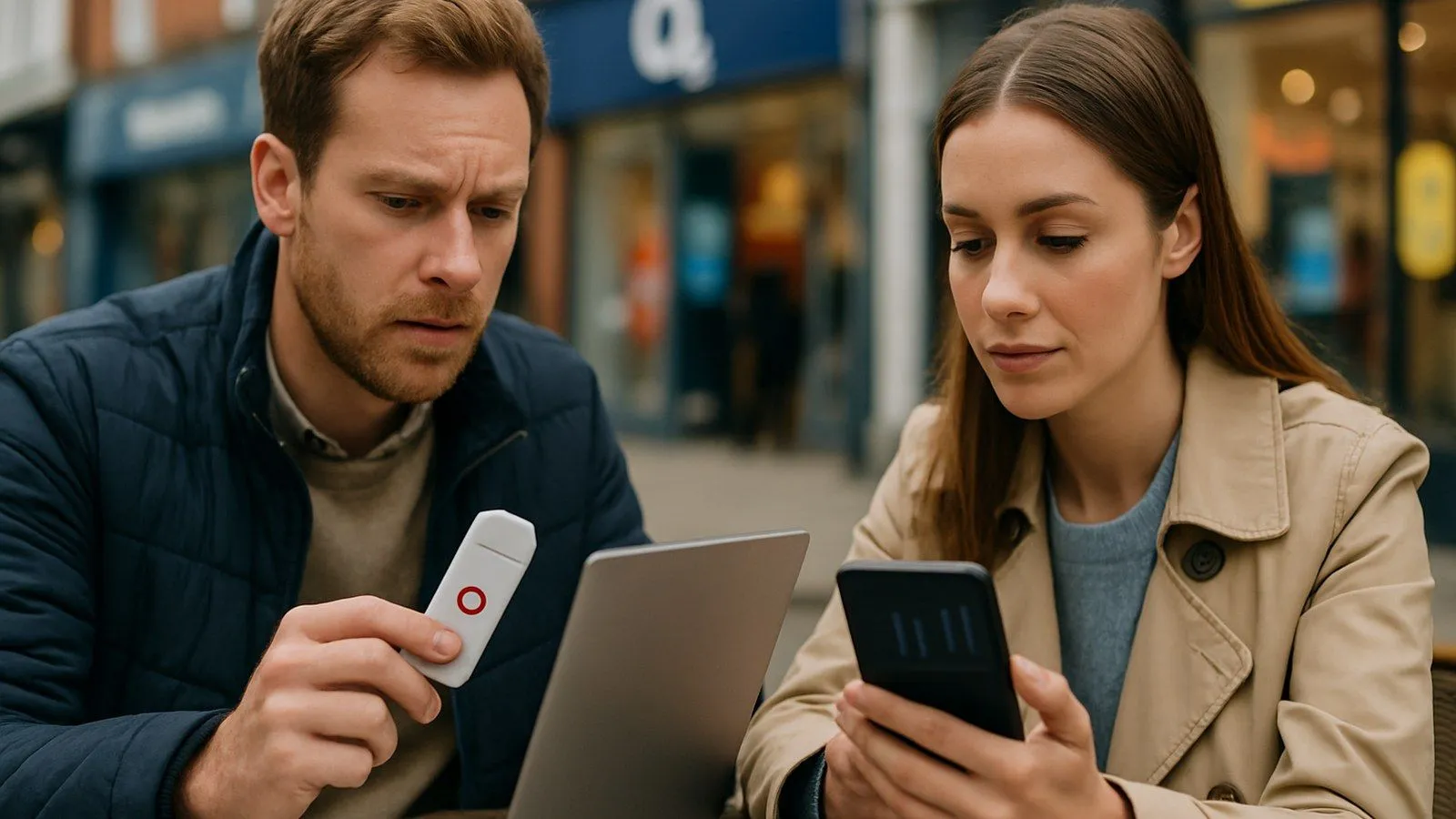
Checking the data balance on your Vodafone dongle, mobile Wi-Fi (MiFi) device, or data-only SIM is essential for managing your usage and avoiding unexpected costs. Vodafone provides several straightforward, official methods to view your remaining data allowance. The best method depends on your device and whether you are on a Pay Monthly or Pay As You Go plan.
How to Check Your Balance via the My Vodafone Website
Using the My Vodafone online portal is the most comprehensive way to manage your mobile broadband account from a computer or tablet. It provides a full breakdown of your data usage, remaining allowance, and billing information.
Step-by-Step: Checking Your Dongle Balance Online
- Navigate to the Vodafone Website: Open a web browser and go to the official My Vodafone login page at vodafone.co.uk.
- Enter Your Credentials: Log in using the email address and password associated with your Vodafone account. If you have not registered your dongle’s SIM before, you will need to create an account or add the SIM to an existing one.
- View Your Dashboard: Once logged in, you will see the main account dashboard. This screen lists all the Vodafone services registered to you.
- Select Your Mobile Broadband Plan: Find and click on the mobile broadband or data-only SIM plan that corresponds to your dongle. The dashboard will then display a detailed view for that specific service.
- Check Your Remaining Data: The overview will clearly show your data allowance for the current billing period, how much you have used, and how much data you have remaining. It will also show the date your allowance is due to reset.
How to Check Your Balance Using the My Vodafone App
For convenience, the My Vodafone app offers a quick way to check your balance from a smartphone. The process requires you to have the app installed and be logged into the correct account.
First, download the My Vodafone app from the Apple App Store or Google Play Store. Once installed, sign in with your account details. The home screen of the app provides an at-a-glance summary of your remaining data for the selected plan. You can tap on the usage summary to see more detailed information, including when your plan refreshes and options to purchase data add-ons if you are running low.
How to Check Your Balance by Phone
If you cannot access the website or app, Vodafone provides automated phone services. To use these, you will need to temporarily place your dongle's SIM card into a mobile phone.
- For Pay As You Go (PAYG): Insert the SIM into a phone and dial
*#1345#then press the call button. Your remaining credit and bundle details will appear on the screen. Alternatively, you can call2345free from the Vodafone SIM to hear your balance. - For Pay Monthly: Insert the SIM into a phone and call
44555. The automated service will guide you through your account details, including your data allowance. - From Another Network: If you need to enquire about your PAYG balance from a different network or a landline, call the credit line on
03333 048048(standard call charges apply). For general customer service, the number is03333 040 191.
Why Data Management Matters
According to UK communications regulator Ofcom, unexpected data charges can be a significant concern for consumers, particularly when travelling. Research from Citizens Advice also highlights that many consumers find managing broadband costs difficult, with 13% of bill payers reporting struggles to afford their broadband bills in early 2026. Actively checking your balance is a key step in avoiding bill shock and ensuring your service remains affordable.
How to Check Usage via the Dongle’s Dashboard
Many USB dongles and MiFi devices create their own local web interface. You can access this dashboard to see technical information and data usage statistics tracked by the device itself. This method is useful if you have no other internet connection.
Plug the dongle into your computer's USB port. Once it connects, open a web browser and type `192.168.0.1`, `192.168.1.1`, or `192.168.8.1` into the address bar and press Enter. This should load the device's login page. The default password is often printed on the device itself. Inside the dashboard, you can typically find a statistics or data usage page that shows how much data has passed through the device in the current session and over time. Note that this figure is the device's own measurement and may differ slightly from Vodafone's official usage data due to timing and billing cycles.
Understanding Your Balance: Pay Monthly vs. Pay As You Go
The information you see will differ based on your plan type.
- Pay Monthly Data SIM: Your “balance” is your monthly data allowance (e.g., 100 GB). The My Vodafone portal will show this allowance, how much is left, and the date it resets. There is no monetary balance unless you have incurred out-of-bundle charges.
- Pay As You Go Data SIM: You may have two types of balance. First is a data bundle (e.g., a 30-day, 50 GB data pack), and second is a separate cash credit balance. The cash credit is used to purchase new bundles or for out-of-bundle usage. The My Vodafone app and website will display both balances clearly.
Frequently Asked Questions
Q: What should I do if none of these methods work?
A: First, ensure the SIM card is correctly inserted and activated. A new Pay As You Go SIM may require a top-up before it becomes fully active on the network. If the SIM is active, try registering it with a My Vodafone account online. If you still cannot see your balance, contact Vodafone support via the live chat on their website or by calling 191 from a Vodafone mobile.
Q: How do I add more data if I run out?
A: For Pay As You Go, you can buy a new data pack online, through the My Vodafone app, or by calling 46210 from a Vodafone mobile. For Pay Monthly plans, the My Vodafone app and website offer options to buy data ‘Extras’ to last until your allowance refreshes.
Q: Can I check my Vodafone dongle balance from abroad?
A: Yes, the My Vodafone app and website are the most reliable methods for checking your balance while overseas. Be aware that using mobile data abroad may incur roaming charges, so it is best to connect to Wi-Fi to check your balance. Ofcom advises all consumers to check their provider’s roaming policies before travelling.
Sources
- Vodafone UK, Help & Support: How can I check my balance?
- Vodafone UK, My Vodafone App Information
- Vodafone UK, Pay As You Go Top Up Information
- Ofcom, Using your mobile abroad
- Citizens Advice, Report on Broadband Affordability (2026)
Comments
0 comments
Loading comments…