How to change your mobile number vodafone: a step by step guide
To change your mobile number on Vodafone, you need to start a live chat with Vodafone customer support. Vodafone charges a £25 admin fee for this. There is no self-service option in the app or online account portal, so live chat is the route.
What does Vodafone say about changing your number?
The Vodafone Support Centre is direct on this: "If you want to change your mobile number, simply start a chat with us. Just so you know, you might need to pay a £25 admin fee for this." That quote comes from Vodafone's own support article, so the process and the fee are confirmed from the source.
Step by step: how to change your Vodafone mobile number
- Gather your account details. Before you open a chat, have your Vodafone account number, the registered email address, and your date of birth to hand. Vodafone will run an identity check before making any changes.
- Go to the Vodafone live chat. Visit vodafone.co.uk and look for the chat icon, usually in the bottom-right corner of the support pages. Log in to your My Vodafone account first if you can, as this speeds up verification.
- Tell the agent you want a number change. Be clear that you want a new number assigned to your existing SIM and account, not a PAC code or a new contract.
- Confirm the £25 fee. The agent will confirm whether the fee applies to your account. Ask them to confirm the new number before any changes are finalised.
- Wait for the change to process. Vodafone does not publish a fixed processing time, so ask the agent for an estimate during the chat.
Does the £25 fee apply to everyone?
Vodafone's support page says you "might" need to pay the fee, which suggests it is not automatic in every case. Whether it applies to Pay Monthly, Pay As You Go, or business accounts is not specified publicly. The safest assumption is that the fee applies, and you can query it during the chat if you have a reason to request a waiver.
Can you choose your new number, or is one assigned?
Vodafone does not advertise a number-selection service for existing customers changing their number. In practice, a new number is likely assigned from available stock. If a specific number matters to you, raise it with the agent, but do not count on it being possible.
What happens to your old number after the change?
Once reassigned, your old number goes back into Vodafone's pool and can eventually be allocated to another customer. Anyone who calls or texts your old number will reach someone else, or get a "number not recognised" message in the interim. Update your number everywhere promptly.
What should you update after getting a new number?
Work through this list as soon as the change is confirmed:
- Your bank and any financial apps that use SMS two-factor authentication
- HMRC, your GP surgery, and any NHS services
- Email accounts and social media profiles
- Workplace HR records and your employer's contact directory
- Any delivery or subscription services (Amazon, Deliveroo, and similar)
- Friends and family, via a group message from the new number
Two-factor authentication is the one to prioritise. If your bank sends login codes to your old number and you have not updated it, you could be locked out of your account the same day.
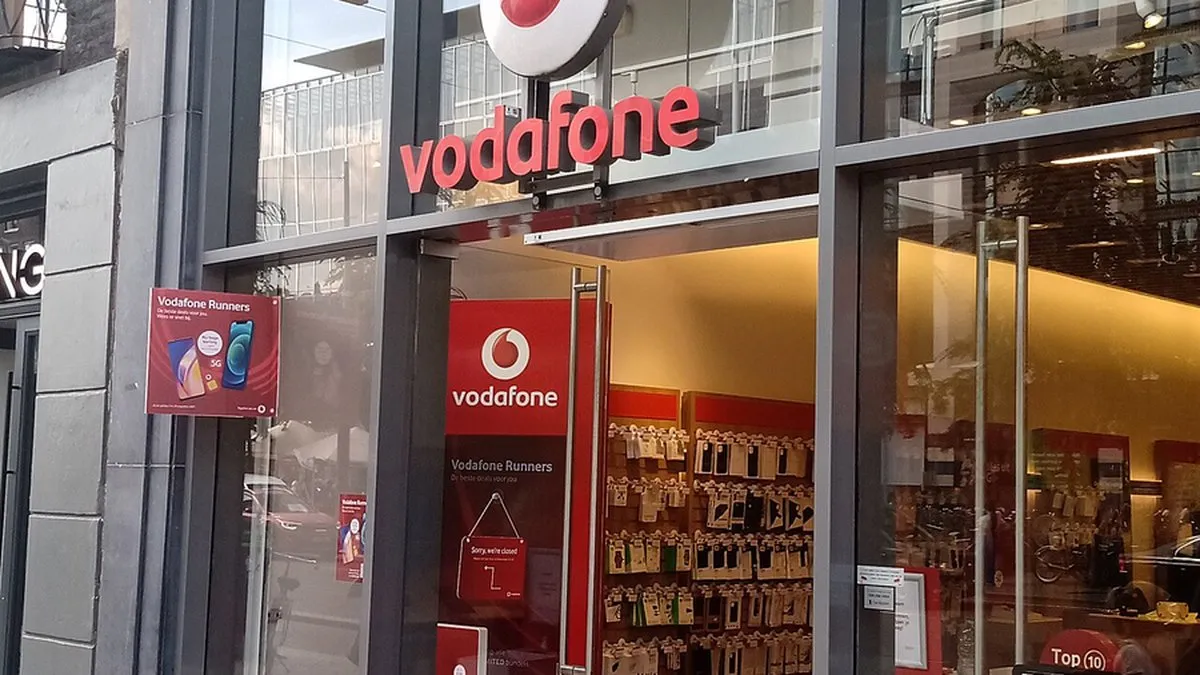
If you want to change your mobile number, simply start a chat with us. Just so you know, you might need to pay a £25 admin fee for this.
Frequently asked questions
- how much does it cost to change your mobile number on Vodafone
- Vodafone charges a £25 admin fee to change your mobile number. You'll need to contact Vodafone via live chat to request the change, and the agent will confirm whether this fee applies to your account.
- can I change my Vodafone number online
- No, there is no self-service option to change your number through the Vodafone app or online account portal. You must start a live chat with Vodafone customer support to request a number change.
- what do I need to change my Vodafone mobile number
- Have your Vodafone account number, registered email address, and date of birth ready before contacting support. Vodafone will use these details to verify your identity before making any changes to your account.
- how do I start a chat with Vodafone to change my number
- Visit vodafone.co.uk and look for the chat icon, usually in the bottom-right corner of the support pages. Log in to your My Vodafone account first if possible, as this speeds up the verification process.
- will I keep my SIM card if I change my Vodafone number
- Yes, when you change your mobile number through Vodafone, your existing SIM card remains active with the new number assigned to it. Make sure you tell the agent you want a new number on your current SIM, not a PAC code or new contract.
Was this article useful?
Thanks — your feedback was recorded.
Sources
- Vodafone Support Centre (www.vodafone.co.uk)
- I've recently moved to Vodafone and would like to change my (www.justanswer.co.uk)
Comments
0 comments
Loading comments…