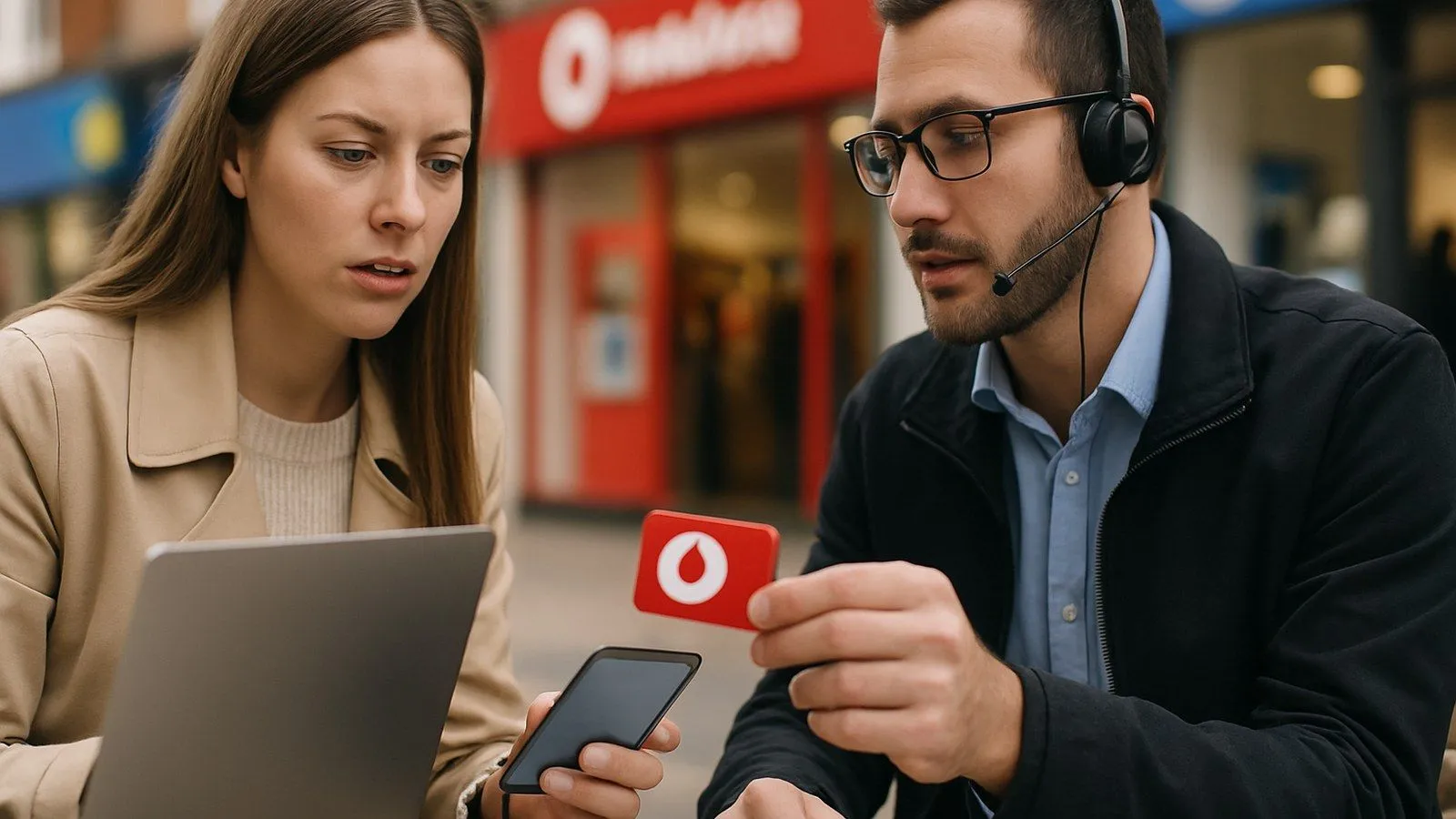
Vodafone UK does not provide a general customer service email address for consumer enquiries. This is a deliberate move to guide customers towards real-time support channels like phone, live chat, and in-app messaging, which can often resolve issues more quickly. While this can be frustrating if you prefer email, there are several well-defined and effective ways to contact Vodafone for support, complaints, or specific queries.
This guide details every official contact method, explains how to prepare for a smoother experience, and outlines the formal complaints process, including how to escalate an issue to an independent adjudicator.
Before You Contact Vodafone: Information to Have Ready
To ensure a swift and secure resolution, preparing some key information before you call or start a chat is essential. Customer service agents need to verify your identity to protect your account from unauthorised access. Having the following details to hand will speed up the process significantly:
- Your Vodafone mobile number: The primary identifier for your account.
- Account number: Found on your bill, this helps agents locate your details quickly.
- Your full name and address: Including the postcode registered to the account.
- A recent bill: This can be useful for discussing specific charges or payments.
- Details of your query: Note down the specific issue, when it started, and any error messages you have seen. For technical problems, knowing your device model can also be helpful.
How to Contact Vodafone Customer Service
Vodafone offers several contact methods, each suited to different types of queries. Phone support is often the most direct, while the Tobi chatbot and live chat offer a convenient text-based alternative.
Phone Support: The Most Direct Route
Speaking directly to an agent is often the quickest way to resolve complex issues. Vodafone's customer care lines are open Monday to Friday from 8am to 10pm, and on weekends from 8am to 8pm.
- 191: Free to call from your Vodafone mobile in the UK.
- 0333 304 0191: For calls from a landline or another mobile network. Calls to 03 numbers cost no more than a national rate call to a 01 or 02 number and must be included in any free minute bundles in your tariff.
- +44 7836 191 191: For when you are travelling abroad. Calls to this number are free from a Vodafone mobile.
A dedicated line for reporting lost or stolen devices is available 24 hours a day, seven days a week.
Live Chat and the Tobi Chatbot
For those who prefer written communication, Vodafone's primary digital tool is Tobi, an AI-powered chatbot available 24/7 through the Vodafone website and the My Vodafone app. Tobi can handle a wide range of common tasks without needing human intervention, such as:
- Checking your bill and recent charges
- Troubleshooting device issues
- Tracking an order
- Resetting your account login details
If Tobi cannot resolve your query, it will transfer you to a human agent during staffed hours. This provides a convenient way to get help without waiting on hold. At the end of a live chat session, you can request a transcript for your records.
The My Vodafone App
The My Vodafone app offers a persistent messaging service, allowing you to send a query and receive a notification when an agent responds, so you don't have to wait in a live chat window. This service is designed for Pay Monthly and small business customers and is ideal for managing your query around your own schedule.
Visiting a Vodafone Store
For hands-on help, visiting one of Vodafone's UK stores is a good option. In-store teams can assist with a variety of issues, including:
- Account management and upgrades
- SIM swaps and activations
- Device repairs, including screen and battery replacements through the Fix&Go service
- Personalised technical advice from the in-store Tech Team
Before travelling, use the online [store finder](https://www.vodafone.co.uk/find-a-store/) to check opening times and services offered at your nearest branch. Some stores allow you to book repair appointments online.
How to Make a Formal Complaint
If you are unhappy with the service you have received, Vodafone has a formal complaints procedure. The first step is always to contact customer service through the standard channels (phone or chat) to give them a chance to resolve the issue.
If your issue is not resolved, you can escalate it by filling out an online complaints form or by writing to their customer relations team. When writing, include a clear summary of the problem, the steps you have already taken, and what you want Vodafone to do.
Send letters to:
Customer Relations Manager, Vodafone Limited, The Connection, Newbury, Berkshire, RG14 2FN.
Vodafone aims to resolve complaints within five days, but complex cases may take longer.
Alternative Dispute Resolution (ADR)
If your complaint has not been resolved after a set period, or if Vodafone issues a 'deadlock' letter, you have the right to take your case to an independent Alternative Dispute Resolution (ADR) scheme. This service is free for consumers. Vodafone UK uses the **Communication & Internet Services Adjudication Scheme (CISAS)**. You can escalate a complaint to CISAS if it remains unresolved after six weeks (for most products) or eight weeks (for financial products like device loans).
Specific Email Addresses for Other Enquiries
While there is no general customer service email, two specific addresses are available for non-standard queries:
- Complaints Escalation: While Vodafone directs most complaints to its online form or phone lines, an ODR (Online Dispute Resolution) email address exists for formal escalations. However, this should only be used after following the standard complaints procedure.
- Media and Press Enquiries: Journalists with media-related questions can contact the press office at `[email protected]`. This address is not for customer service issues, and staff cannot access customer accounts.

Comments
0 comments
Loading comments…