
Image illustrative, generated with AI for editorial purposes.
On this page (7 sections)
- What is the 141 Prefix?
- Does 141 Work on UK Mobile Phones?
- The Recommended Method: Changing Your Phone’s Caller ID Settings
- How to Withhold Your Number on an iPhone
- How to Withhold Your Number on an Android Device
- Understanding the Regulations: Your Right to Privacy
- Important Exceptions and Considerations
When you need to make a call without revealing your phone number, you might think of dialling 141 first. This prefix has been a feature of the UK's telephone system for decades, but its effectiveness on modern mobile networks in 2026 can be inconsistent. While the code still has its uses, the most reliable method for ensuring your privacy is to manage your phone's own settings.
This guide explains the current rules, the reliable alternatives to 141, and the regulations that protect your right to withhold your number.
What is the 141 Prefix?
The 141 prefix is a feature that instructs the telephone network to block your Calling Line Identification (CLI), more commonly known as Caller ID, for a single call. For years, it has been the standard method on UK landlines, particularly those provided by BT, to prevent your number from appearing on the recipient's device. When a call is made using 141, the person receiving it will typically see 'Withheld', 'Private Number', or a similar message instead of a phone number.
Does 141 Work on UK Mobile Phones?
The answer is not a simple yes or no. Support for the 141 prefix on mobile phones is entirely dependent on the network provider. Some major UK networks, including Vodafone, officially state that dialling 141 before a number will withhold your caller ID for that call.
However, this functionality is not guaranteed across every network. The underlying technology for mobile networks uses a different standard (GSM), which has its own prefix code, #31#, that serves the same purpose. While some UK networks may support both, the most consistent and dependable way to manage your caller ID is through your handset's settings.
The Recommended Method: Changing Your Phone’s Caller ID Settings
For guaranteed privacy across any UK mobile network, the best approach is to adjust the settings directly on your smartphone. This changes your preference at the device level, instructing your network to withhold your number for all outgoing calls without needing to dial a prefix each time. This service is free and simple to use, in line with UK regulations.
How to Withhold Your Number on an iPhone
- Open the Settings App: Locate and tap the grey gear icon on your home screen.
- Navigate to Phone Settings: Scroll down the list and select ‘Phone’.
- Find Caller ID Options: Tap on the ‘Show My Caller ID’ menu item.
- Disable Caller ID: Tap the toggle switch to turn it off. The switch will turn from green to grey, confirming that your number will now be withheld for all outgoing voice calls.
How to Withhold Your Number on an Android Device
The exact steps for Android phones can vary slightly depending on the manufacturer (e.g., Samsung, Google, Sony), but the general process is similar.
- Open the Phone App: Tap the phone icon, usually found on your home screen or in your app drawer.
- Access Call Settings: Tap the three-dot menu icon, typically in the top-right corner, and select ‘Settings’.
- Locate Caller ID Settings: Look for an option labelled ‘Calling accounts’ or ‘Supplementary services’. Tap it.
- Select ‘Hide Number’: Tap on ‘Caller ID’ and then choose the ‘Hide number’ option from the pop-up menu.
You can reverse this process at any time by following the same steps and choosing to show your number again. If you have permanently withheld your number via these settings, some networks allow you to display it for a single call by dialling 1470 before the number.
Understanding the Regulations: Your Right to Privacy
Your ability to withhold your number is a regulated right in the UK. The Information Commissioner's Office (ICO), which enforces the Privacy and Electronic Communications Regulations, states that telephone service providers must offer their customers a simple and free way to withhold their number. This includes both a permanent (network-level) option and a per-call option, such as a prefix code.
Separately, the communications regulator, Ofcom, sets strict rules on Calling Line Identification to combat nuisance calls and fraud. These rules require that any number presented must be valid and dialable, which helps prevent scammers from 'spoofing' fake numbers. These regulations work alongside your privacy rights to ensure the telephone network remains a trusted service.
Important Exceptions and Considerations
While you have the right to privacy, there are important situations where your number cannot be withheld.
- Emergency Calls: Your Caller ID will always be transmitted when you call the emergency services on 999 or 112. This is a critical safety feature that cannot be overridden.
- Text Messages: Withholding your number only applies to voice calls. Your number will still be visible when you send an SMS or MMS message.
- Anonymous Call Rejection: Many businesses and some individuals use services that automatically block or divert calls from withheld numbers. If the person you are calling uses such a service, your call may not connect.
- Network Access: Even when your number is withheld from the person you are calling, your network provider can still see the number for billing and operational purposes. In cases of malicious calls, this information can be traced by law enforcement.
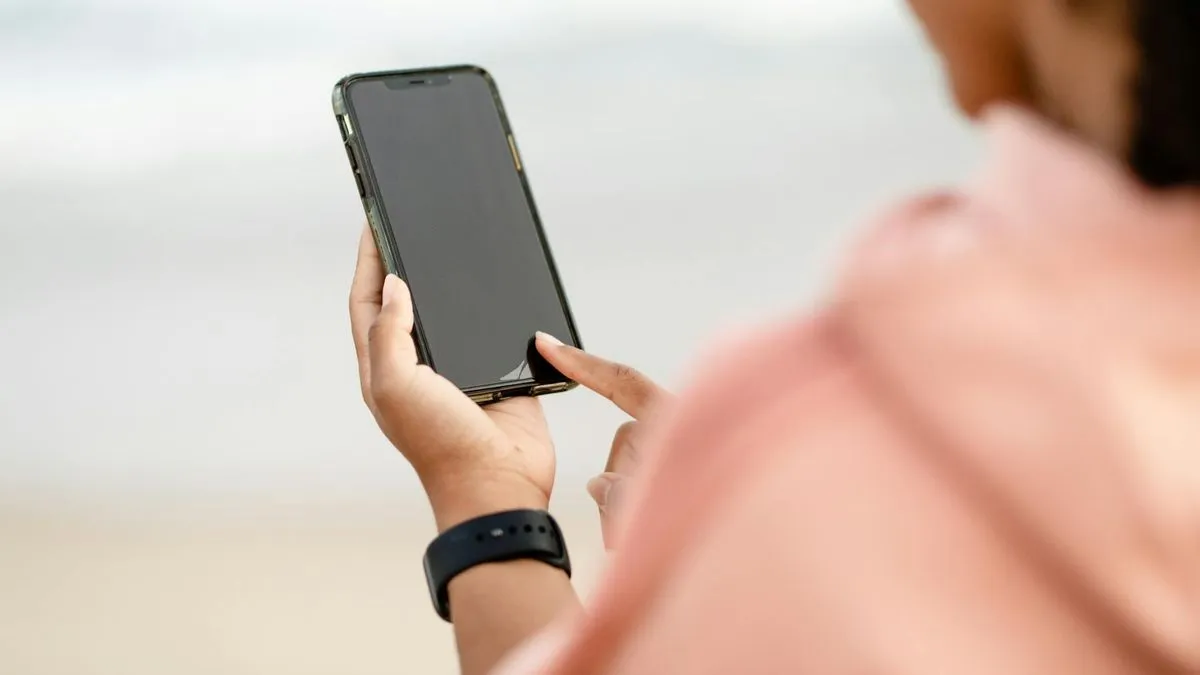
You must also provide a free and simple way for any user to withhold the number on a particular call (even if the subscriber has not chosen to automatically withhold the number on every call) – for example, by entering a prefix code before dialling the phone number they wish to call.
Frequently asked questions
- does 141 work on mobile phones UK
- The 141 prefix works on some UK mobile networks, such as Vodafone, for hiding your number on a single call. However, its reliability is not consistent across all providers. The officially recommended and most dependable method is to change your phone's built-in caller ID settings.
- why doesn't 141 work on my mobile
- Support for the 141 prefix is determined by each individual mobile network operator. While it is a standard feature on BT landlines, mobile networks are not required to implement it in the same way. For guaranteed results, you should use the 'Show My Caller ID' option in your phone's settings menu.
- how to hide your number on UK mobile phone
- The most effective way is through your phone's settings. On an iPhone, go to Settings > Phone > Show My Caller ID and toggle it off. On an Android device, open the Phone app, go to Settings > Calling Accounts (or Supplementary Services) > Caller ID, and select 'Hide number'.
- does 141 work on Vodafone
- Yes, Vodafone's official help documentation confirms that dialling 141 before a number will hide your caller ID for that specific call on their network.
- can my number be hidden when calling 999
- No. Your Calling Line Identification (CLI) can never be blocked when you call the emergency services on 999 or 112. This is a mandatory safety feature to help emergency services identify your number and location.
Was this article useful?
Thanks, your feedback was recorded.
Sources
- Line identification (CLI) | ICO (ico.org.uk)
- How do I hide my own telephone number when I make calls? (vodafone.co.uk)
- How do I withhold my telephone number? | Landline | BT Help (bt.com)
- Turn off Caller ID and block calls on iPhone (Apple Support (UK))
- How do I hide my number when making a call? (Android 9.0 or Higher) (Sony UK)
- How to make a silent 999 call (met.police.uk)
- Calling Line Identification (CLI) guidelines (ofcom.org.uk)
Comments
0 comments
Loading comments…