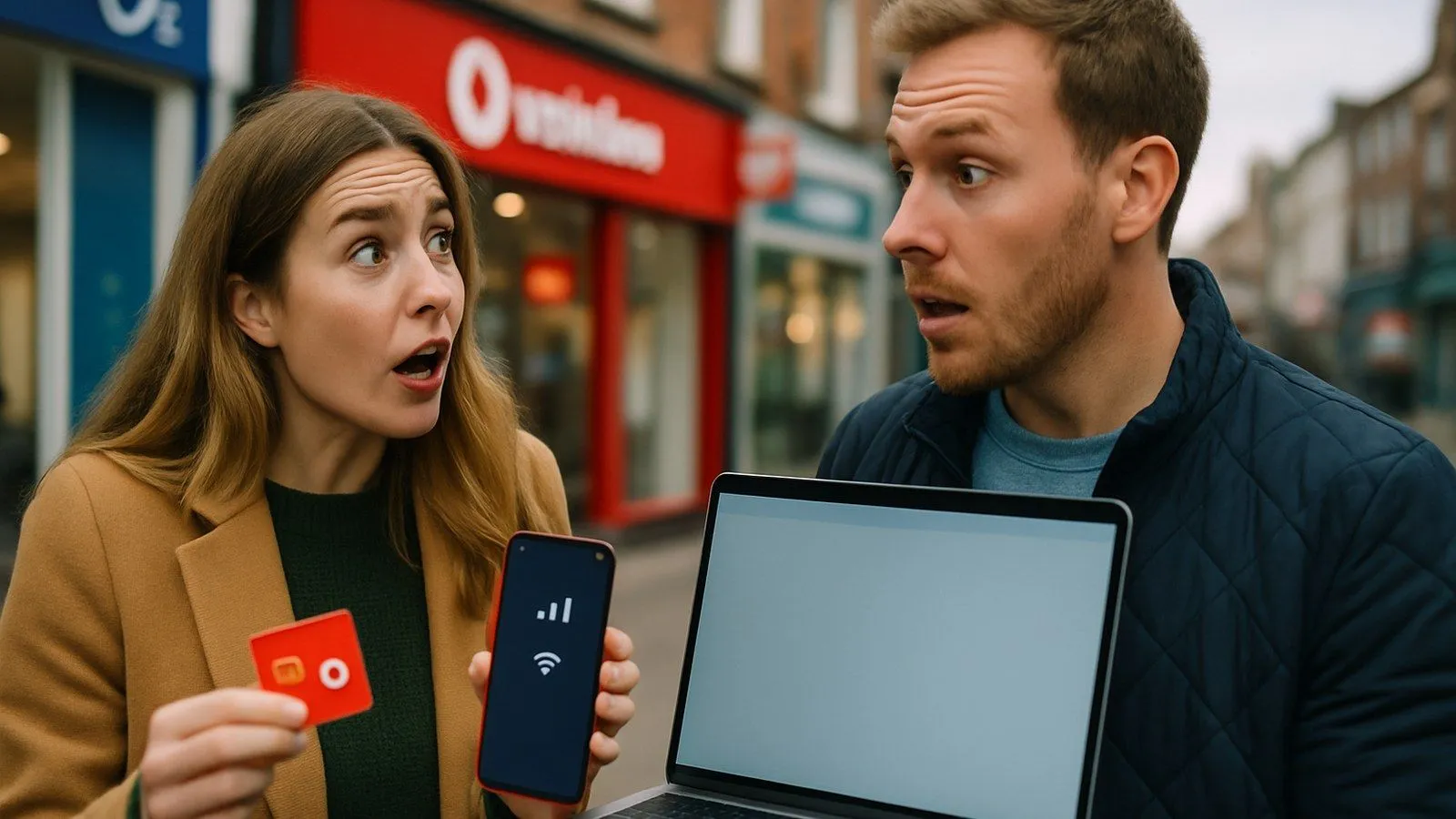
Yes, you can use your Vodafone UK plan in the USA, but it will almost certainly involve extra costs. When you arrive, your phone should automatically connect to a local partner network, allowing you to make calls, send texts, and use mobile data. However, the United States is outside Vodafone's standard European roaming zones, so charges will apply unless your specific plan includes worldwide roaming.
Understanding these charges before you travel is crucial to avoid a surprisingly large bill upon your return. This guide explains the costs, plans, and alternatives for using your Vodafone UK mobile in the USA.
Understanding Vodafone’s Roaming Zones
To understand roaming charges, it’s important to know about Vodafone's roaming zones. For Pay Monthly customers, destinations are typically grouped into four main zones:
- Zone A: Includes the Republic of Ireland, Isle of Man, Iceland, and Norway. Roaming in this zone is included in all plans at no extra cost.
- Zone B (Euro Roam): Covers 47 destinations across Europe, including popular holiday spots like Spain, France, and Greece. Many plans require a daily fee to use your UK allowance here.
- Zone C (Global Roam): A group of 32 worldwide destinations that includes the USA, Canada, Australia, and Mexico.
- Zone D: Covers a further 73 worldwide destinations, such as India, Thailand, and the UAE.
The USA is in Zone C, which means you will incur charges unless you have a specific plan that includes Global Roam.
Which Vodafone Plans Include US Roaming?
Certain Vodafone plans come with inclusive roaming in the USA. Typically, these are the higher-tier 'Xtra' plans. For example, a plan with '4 Xtra benefits' or one that explicitly includes 'Global Roaming' or 'Global Roaming Plus' will allow you to use your UK allowance of calls, texts, and data (up to a 25GB fair use limit per month) in 83 destinations, including the USA, at no extra daily charge.
Because plan details change, the most reliable way to confirm what your specific plan includes is to use the official Roaming Charge Checker on the Vodafone UK website. You simply enter your mobile number and destination to see the exact charges that apply to you.
What Are the Standard Roaming Charges for the USA?
If your plan does not include US roaming, you have two main options for using your phone: pay a daily charge or buy a multi-day pass.
Pay a Daily Charge
For most customers, using their phone in the USA will trigger a daily charge of £7.39. This fee allows you to use your UK allowance of minutes, texts, and data for a 24-hour period. This is often the default option if you do not purchase a specific pass. It's important to note that this charge is applied on any day you use your device, even for a single text or a small amount of data.
Buy a Roaming Extra
For Pay As You Go customers, or for those on monthly plans wanting a longer-term option, Vodafone offers 'Around the World Extra' passes. These provide a set bundle of data, minutes, and texts for a fixed period. As of early 2026, the typical options are:
- 8-day Around the World Extra: Includes 2GB of data, 100 minutes, and 100 texts for £17.
- 15-day Around the World Extra: Includes 4GB of data, 200 minutes, and 200 texts for £27.
These passes can be more cost-effective than the daily charge for trips of a week or more, especially for Pay As You Go users who cannot roam without one.
Vodafone Travel eSIM for the USA: An Alternative for Data
For travellers who primarily need data, Vodafone offers a separate 'Travel eSIM' product. This is a digital SIM that you install on a compatible phone before you leave the UK. It provides a data-only connection, meaning your primary SIM remains active for calls and texts from your UK number, while the eSIM handles all mobile data at a fixed price.
This option is excellent for avoiding daily charges and managing costs, as you pay a one-off fee. While the official Vodafone Travel eSIM website lists prices in US Dollars, these are available for purchase by UK customers. The approximate costs in British Pounds (subject to exchange rates) are:
| Data Allowance | Duration | Price (USD) | Approximate Price (£) |
|---|---|---|---|
| 5GB | 10 days | $10 | ~£8 |
| 20GB | 30 days | $29 | ~£23 |
| 50GB | 30 days | $35 | ~£28 |
| Unlimited | 15 days | $39 | ~£31 |
Note: Prices are based on May 2026 information from the Vodafone Travel eSIM portal and are subject to currency fluctuations. Always check the latest price before purchasing.
How to Prepare and Activate Roaming for the USA
Before you travel, follow these steps to ensure your service works correctly and you avoid unexpected fees:
- Check Your Plan: Use the Roaming Charge Checker on the Vodafone website to confirm the exact costs for your account.
- Enable Roaming on Your Account: Log in to your My Vodafone account online or via the app and ensure there are no 'roaming bars' active on your account. These are settings that can block usage abroad.
- Set a Spending Cap: Use Vodafone's 'Spend Manager' to set a limit on out-of-plan charges. This can prevent your bill from escalating if you accidentally incur extra costs.
- Enable Data Roaming on Your Handset: In your phone's settings, make sure the 'Data Roaming' toggle is switched on. Your phone will not use mobile data abroad without this enabled.
- Save Customer Service Number: Store Vodafone's international customer service number in your contacts: +44 7836 191 191. Calls to this number are free from your Vodafone mobile while abroad.
Troubleshooting: What to Do If Your Phone Isn’t Working in the USA
If you land in the USA and find you have no signal or cannot connect to a network, try these steps:
- Restart Your Device: A simple restart often forces the phone to search for and connect to a local network.
- Toggle Aeroplane Mode: Turn aeroplane mode on for 30 seconds, then turn it off. This resets all network connections.
- Manual Network Selection: Go to your phone's network settings and manually select a network. Vodafone's main partners in the USA are AT&T and T-Mobile.
- Confirm Your Settings: Double-check that data roaming is enabled on your device and that no roaming bars are active in your My Vodafone account.
- Contact Support: If the issue persists, call Vodafone support on +44 7836 191 191 for assistance.
Comments
0 comments
Loading comments…