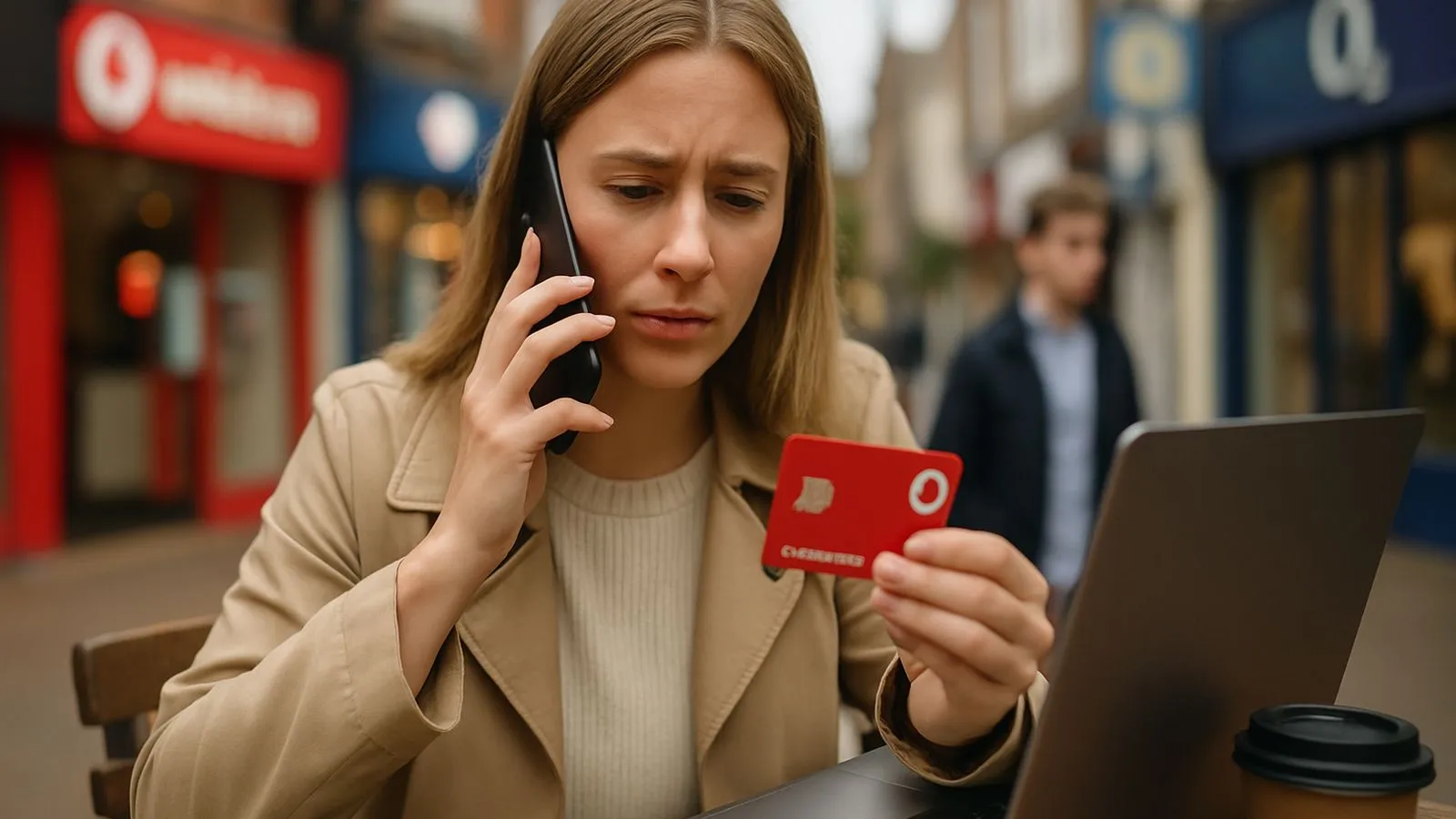
If you're travelling outside the UK and need to reach Vodafone customer service, dial +44 7836 191 191 from any mobile or landline. This [international contact number connects you to Vodafone UK support](https://onenet.vodafone.com/latest/uk/en/content/topics/cf/help/contact) when you're overseas. International call charges will apply when using this number from abroad.
Check digital options before calling
Before dialling, consider whether your issue can be resolved without incurring international call charges. The [My Vodafone app provides 24/7 support through TOBi](https://www.vodafone.co.uk/contact-us), Vodafone's digital assistant. TOBi can help with bills, account login recovery, and connecting you with a human agent if needed. The app works over Wi-Fi, avoiding roaming charges entirely.
According to [Vodafone's contact page](https://www.vodafone.co.uk/contact-us), TOBi responds instantly with no waiting around and can put you in touch with one of the team if you prefer speaking to a person. For straightforward queries about billing, plan details, or account management, these digital channels often provide faster answers than calling.
Understand the cost of calling from abroad
Calling +44 7836 191 191 from overseas is not free. Your local network or roaming provider will charge for the call. Before you travel, check what charges apply in your destination using [Vodafone's Charge Checker](https://www.vodafone.co.uk/newscentre/smart-living/everything-you-need-to-know-about/how-to-contact-vodafone-uk-customer-services-and-how-to-complain/). You can also set spending limits or purchase a European roaming pass through your account.
Prepare your account information
When you call Vodafone's support team, have your account details ready to verify your identity. You'll need your Vodafone mobile number and ideally your account number, which you can find on bills or in the My Vodafone app. Having these details prepared can reduce your call time and associated charges.
How to dial the international number
Enter [+44 7836 191 191](https://onenet.vodafone.com/latest/uk/en/content/topics/cf/help/contact) exactly as shown, including the +44 country code. If your phone doesn't recognise the + symbol, replace it with 0044. [When calling customer care, have your account or phone number ready](https://onenet.vodafone.com/latest/uk/en/content/topics/cf/help/contact) and the system will direct you to the correct department.
Report a lost or stolen phone immediately
If your device is lost or stolen while overseas, contact Vodafone urgently. You can [report a lost or stolen phone by completing the dedicated online form, webchatting, or calling customer services](https://www.vodafone.co.uk/newscentre/smart-living/everything-you-need-to-know-about/how-to-contact-vodafone-uk-customer-services-and-how-to-complain/). Reporting the incident quickly helps prevent unauthorised use of your account.
Alternative contact methods when abroad
If you cannot connect by phone or want to avoid call charges, try these alternatives:
- Use the [My Vodafone app's messaging feature](https://www.vodafone.co.uk/contact-us), which saves your conversation history and notifies you when the team responds, so there's no need to wait online
- Access [webchat through Vodafone's contact page](https://www.vodafone.co.uk/newscentre/smart-living/everything-you-need-to-know-about/how-to-contact-vodafone-uk-customer-services-and-how-to-complain/) for help with broadband, mobile signal issues, or general queries
- Check your [order status using the online order tracker](https://www.vodafone.co.uk/newscentre/smart-living/everything-you-need-to-know-about/how-to-contact-vodafone-uk-customer-services-and-how-to-complain/) if you're waiting for a device delivery
UK contact numbers for when you return
Once you're back in the UK, you can use these domestic numbers instead:
- 191 [from your Vodafone mobile (free calls within the UK)](https://onenet.vodafone.com/latest/uk/en/content/topics/cf/help/contact)
- 03333 040 191 [from a UK landline or non-Vodafone mobile](https://onenet.vodafone.com/latest/uk/en/content/topics/cf/help/contact), where standard call charges may apply
These numbers only work from within the UK. When travelling abroad, +44 7836 191 191 is the only phone number that will connect you to Vodafone UK customer service.
Get help with specific issues
For common problems, Vodafone provides dedicated support channels:
- Check the [Vodafone UK signal checker](https://www.vodafone.co.uk/newscentre/smart-living/everything-you-need-to-know-about/how-to-contact-vodafone-uk-customer-services-and-how-to-complain/) if you're experiencing poor mobile signal, and sign up for alerts about planned engineering works
- Find [troubleshooting steps for WiFi signal issues and broadband speed checks](https://www.vodafone.co.uk/newscentre/smart-living/everything-you-need-to-know-about/how-to-contact-vodafone-uk-customer-services-and-how-to-complain/) before contacting support
- Log in to your account through the [My Vodafone app or website](https://www.vodafone.co.uk/newscentre/smart-living/everything-you-need-to-know-about/how-to-contact-vodafone-uk-customer-services-and-how-to-complain/) to see available upgrade offers and options
For non-urgent matters such as billing questions or plan changes, digital channels accessed over Wi-Fi remain the most cost-effective option when you're abroad, as they don't trigger international call charges or use your roaming allowance.
Comments
0 comments
Loading comments…