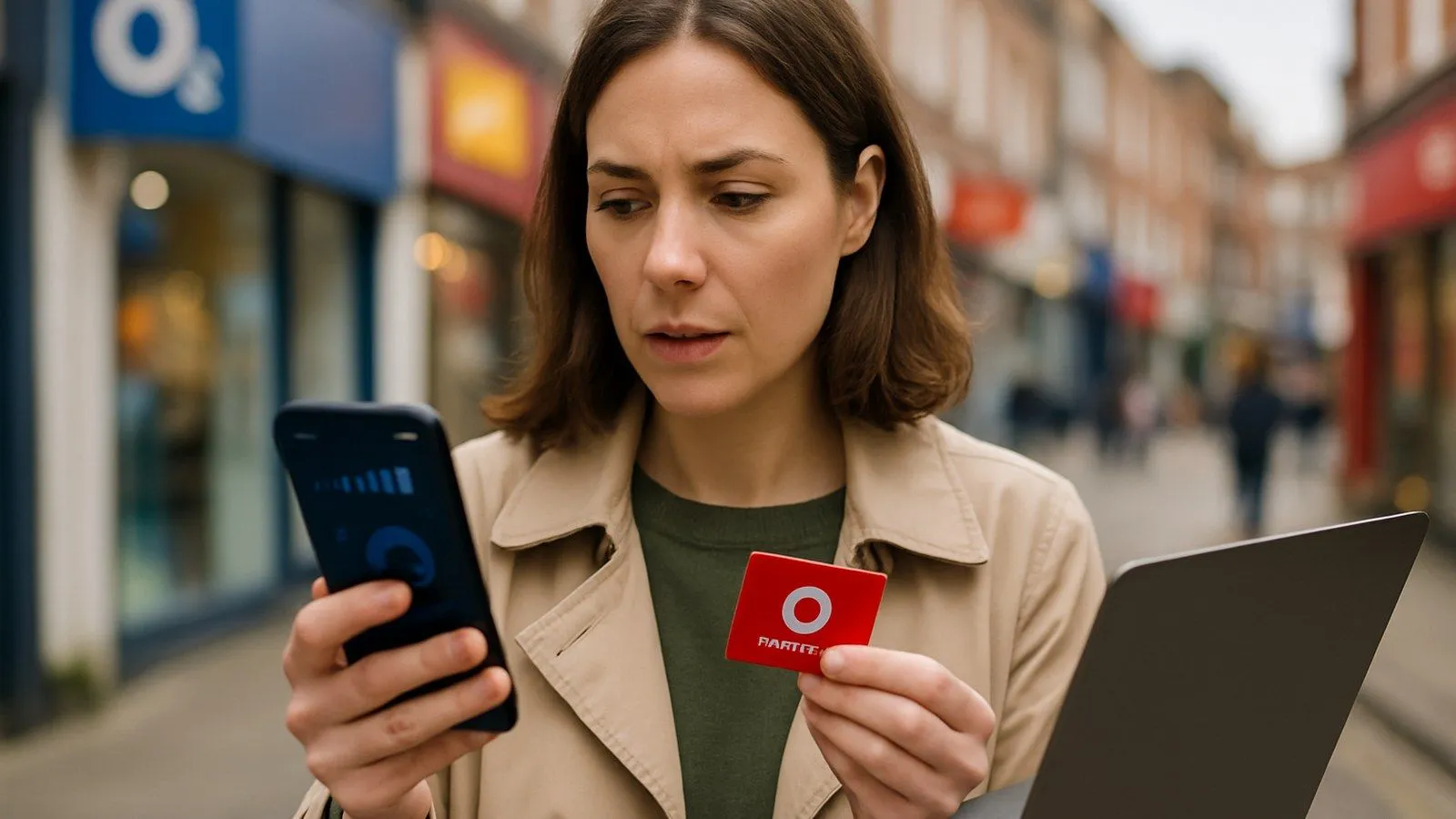
Vodafone UK customers can check their balance in seconds using the My Vodafone app, by dialling a short code, or through the online portal. Pay As You Go users see their remaining credit; Pay Monthly customers see their current bill and allowance usage. The fastest method is dialling *#1345# for an instant on-screen display.
Step 1: Use the My Vodafone app for a complete overview
Download the My Vodafone app from the App Store or Google Play. Log in with your mobile number and password. The home screen immediately shows your balance or bill summary, depending on your account type.
Pay As You Go: Your credit balance appears at the top of the dashboard. Scroll down to see remaining data, minutes, and texts if you have an active bundle. You can top up directly from this screen.
Pay Monthly: The app displays your latest bill amount, any out-of-bundle charges since your last billing date, and real-time usage bars for data, calls, and texts. This tracker updates every few hours, so you can spot when you are approaching your limit.
Step 2: Check your balance by phone (no internet required)
If you do not have the app installed or cannot access mobile data, Vodafone offers free phone codes that work from your handset.
For Pay As You Go customers:
- Dial *#1345# and press call. Your balance appears on screen within two seconds.
- Call 2345 to hear an automated voice message with your remaining credit. This call is free.
- From a different phone, ring 03333 048048. Standard call charges apply if you are not calling from a Vodafone mobile.
For Pay Monthly customers: Call 44555 from your Vodafone number to hear a summary of recent usage and charges since your last bill. You may be asked for your four-digit PIN.
Step 3: Log into the online portal from any browser
Visit the My Vodafone online portal and sign in with your credentials. The web version mirrors the app's functionality, so you can view bills, check allowances, and download itemised statements. This option suits users who prefer working on a laptop or who do not want to install another mobile application.
Setting a spending cap to avoid surprise charges
Since 1 October 2018, UK regulations require all mobile networks to let customers set a spending limit on out-of-bundle charges. Vodafone calls this a "spend cap." You can set it to £0 if you want to block any extra costs beyond your monthly plan, or choose a higher limit (£10, £20, £40, or £80). The cap covers premium-rate services, international calls, and additional data once your allowance runs out.
Configure your cap in the My Vodafone app under 'Account settings' or by calling 191. Vodafone will send you a text alert when you reach 80% of your cap and again at 100%. At that point, chargeable services are blocked until your next billing cycle or until you raise the limit.
Troubleshooting: when your balance looks wrong
Check the detailed usage section in the app or online account first. Look for itemised calls, texts, and data sessions. If a charge still seems incorrect, note the date and amount, then call 191 from your Vodafone mobile (or 0333 304 0191 from another line). Customer services can investigate specific transactions and apply credits if an error is confirmed.
For independent advice, Citizens Advice offers free guidance on mobile billing disputes. If you are struggling to pay, Vodafone has a dedicated support team that can arrange payment plans or temporary account adjustments.
Monitoring data to stay within your allowance
Running out of data mid-month is the most common reason for unexpected charges. The My Vodafone app shows a colour-coded usage bar: green means you have plenty left, amber signals you are approaching your limit, and red means you have exceeded it. Most smartphones also have built-in data monitors (Android: Settings > Data usage; iPhone: Settings > Mobile Data) that let you set warnings at custom thresholds.
Switching to Wi-Fi for video streaming, app downloads, and software updates can cut your mobile data consumption by 70% or more in a typical month.
When to contact Vodafone customer services
If you cannot resolve a balance query using the app or online portal, ring 191 from your Vodafone mobile. Lines are open every day, though wait times are shorter on weekday mornings. Have your account number or the mobile number associated with the account ready. For billing disputes that remain unresolved after speaking to customer services, you can escalate the matter to the Ombudsman Services: Communications, a free and independent dispute resolution scheme.

Comments
0 comments
Loading comments…