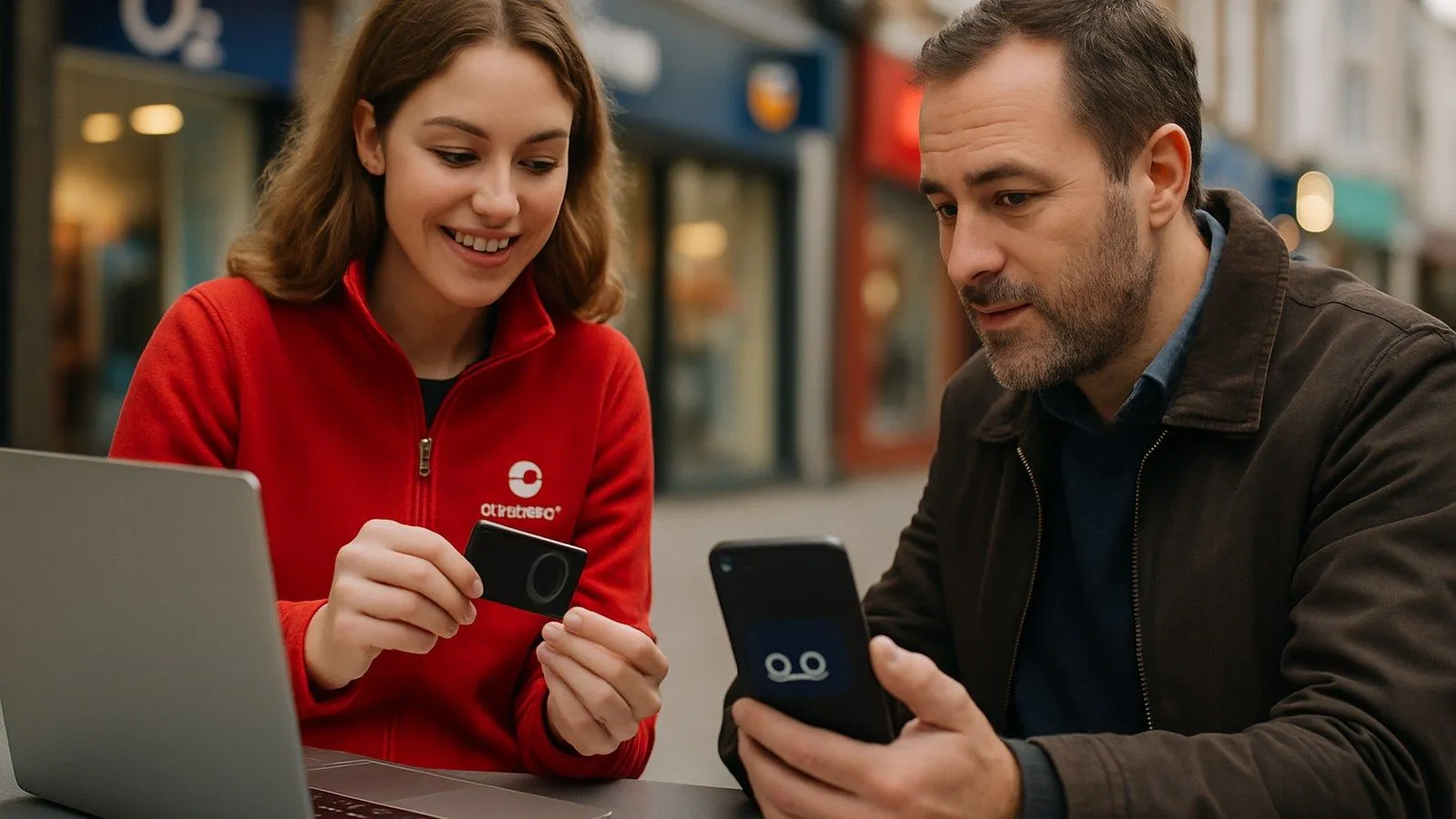
To activate voicemail on Vodafone UK, call 121 free from your Vodafone mobile and follow the prompts. The whole process takes around 30 seconds. If voicemail is not yet added to your line, you will need to call 08080 034 515 first, and Vodafone will have it ready within three days.
How do I set up voicemail on Vodafone for the first time?
If your line already has voicemail enabled, dial 121 from your Vodafone handset. The automated system will walk you through creating a PIN and recording a greeting. The call is free and takes under a minute.
If voicemail is not yet on your account, you cannot set it up by dialling 121 alone. Call 08080 034 515 (free from both landlines and mobiles) and ask Vodafone to add voicemail to your line. As Vodafone's own support page states: "We'll have it ready for you in three days." Once those three days have passed, dial 121 to complete the initial setup.
How do I access voicemail on Vodafone after setup?
Dial 121 from your Vodafone mobile at any time. From that menu you can listen to messages, change your PIN, or update your greeting. Calls to 121 are free on all standard Vodafone plans.
If you are calling from a different phone or a landline, call your own mobile number and press the star key when your greeting starts. You will then be prompted for your PIN.
How do I set up Visual Voicemail on an iPhone with Vodafone?
Visual Voicemail shows messages as a list inside the Phone app, so you can play them in any order without calling 121.
For a standard iPhone setup, open the Phone app, tap Voicemail at the bottom right, then tap Set Up Now. Create a password when prompted and tap Done. Your messages will then appear in the Voicemail tab automatically.
On an iPhone 13 (and similar models) running Vodafone's network, there is an extra activation step. According to Vodafone's device guides: "Turn off Wi-Fi on your phone and send a text message with the text 'STATE' to 100121." Make sure your phone software is up to date before doing this. Once the text is sent, Visual Voicemail should activate within a few minutes.
If you plan to use Visual Voicemail abroad, set a security PIN before you travel. Vodafone recommends this to prevent unauthorised access when roaming.
How do I turn off Vodafone voicemail?
Dial ##002# from your handset and press the call button. This deactivates call forwarding to voicemail, so missed calls will simply ring out rather than going to a message box. To turn voicemail back on, call 121 and follow the prompts, or contact Vodafone on 08080 034 515 if the feature has been fully removed from your account.
What if voicemail is not working on my Vodafone line?
First, check that voicemail is actually added to your account. Not all Vodafone plans include it by default. Call 08080 034 515 to confirm, and ask an adviser to add it if it is missing. If voicemail is on the account but 121 is not connecting, try turning your phone off and on, then dial 121 again. For Visual Voicemail on iPhone, turning off Wi-Fi and resending 'STATE' to 100121 often resolves activation problems.

Comments
0 comments
Loading comments…