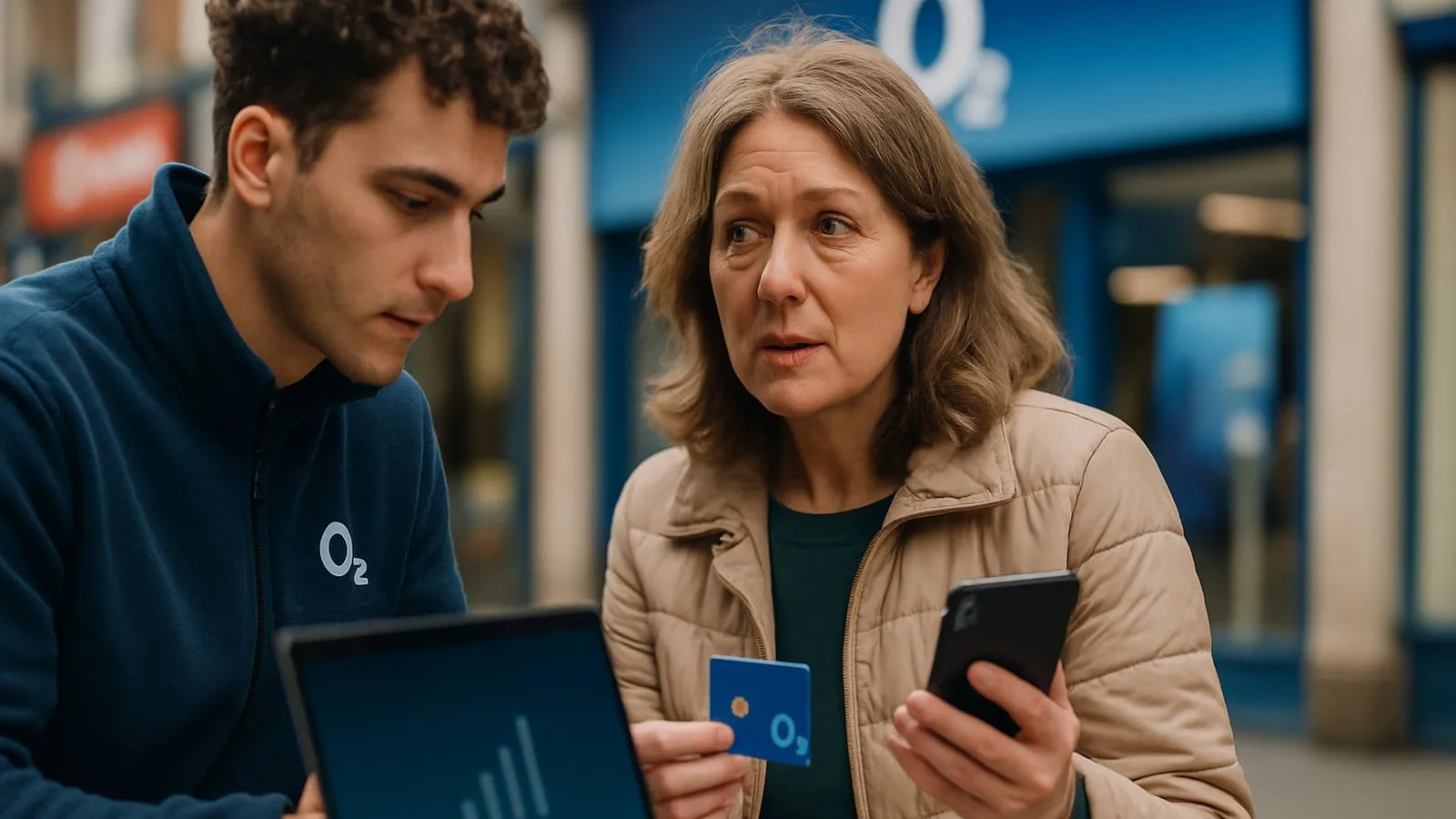
Airtime on O2 refers to the monthly service charge covering your calls, texts and mobile data allowance. When you buy a phone on contract, O2 splits your bill into two parts: the Device Plan (repaying the handset cost) and the Airtime Plan (paying for network usage). Once the device is paid off under O2's Refresh tariff structure, your monthly cost drops to the airtime charge alone.
Four ways to cut your O2 airtime bill
O2 runs several discount schemes. They cannot usually be stacked, so compare which saves you most before applying.
1. Multisave (20% off for families)
Add up to 20 phone, tablet or SIM-only contracts to a single Multisave group and O2 takes 20% off the airtime for every additional line. The lead connection pays full price; subsequent lines receive the discount. A £16 airtime plan drops to £12.80, saving £3.20 monthly.
You must claim within 28 days of activating the new contract. Log into My O2, navigate to the Multisave section, and link the new number to your group. The discount appears within three working days. If you upgrade a discounted line later, you need to reapply for Multisave on the replacement contract.
2. O2 Open (up to 25% off through your employer)
Large employers, including the NHS and many retail chains, participate in O2 Open. Text OPEN plus your company name to 61202 to check eligibility. Approved employees receive up to 25% off airtime on new Refresh contracts. Again, you have 28 days from contract start to register your discount via My O2.
3. Student discount (20% off with verification)
Full-time students can claim 20% off O2 Refresh airtime by verifying status through UNiDAYS or TOTUM. Generate a unique code on the verification platform, then apply it at checkout when ordering a phone or tablet on contract.
4. Volt (double data if you have Virgin Media broadband)
Households with both Virgin Media broadband and an eligible O2 Pay Monthly plan qualify for Volt benefits. Your mobile plan receives double data. Plans already offering 250 GB or more jump to unlimited. You also get a broadband speed upgrade to the next tier and roaming in 75 countries at no extra charge.
O2's three airtime tiers
O2 structures its plans into Custom, Plus and Ultimate brackets, each with different perks.
Custom Plans let you pick contract length (3 to 36 months) and adjust your data cap monthly without penalty. Plus Plans add roaming in 75 destinations, data rollover and a three-year device warranty. Ultimate Plans extend roaming to over 120 countries and include a subscription to one O2 Extra (Disney+, Amazon Prime or similar) for the contract duration.
How Refresh splits device and airtime costs
When you sign a 24-month Refresh contract, O2 divides your monthly payment. Suppose your total bill is £45: £20 might cover the phone (Device Plan) and £25 the airtime (Airtime Plan). After 24 months the Device Plan ends. You continue paying £25 for airtime until you upgrade or cancel. This transparency makes it easier to see exactly what you pay for network service versus hardware.
Claiming your discount: the 28-day window
Every O2 discount scheme enforces a 28-day claim deadline from contract activation. Miss that window and you forfeit the saving for the contract term. Set a calendar reminder the day your SIM activates. Log into My O2, locate the relevant discount section (Multisave, O2 Open or student), and follow the prompts. Approval typically takes one to three working days, and the reduced airtime charge appears on your next bill.
Can you combine discounts?
No. O2 applies one discount per line. If you qualify for both Multisave and O2 Open, calculate which saves more. A 25% Open discount beats Multisave's 20%, but Multisave may be simpler if you already manage a family group. Student discount and Multisave also cannot run simultaneously on the same contract.
Upgrading without losing your discount
When you upgrade a phone that benefits from Multisave or O2 Open, the discount does not automatically transfer. You must reapply within 28 days of the new contract start. Keep your group structure in My O2 and simply add the upgraded number back into Multisave, or re-verify your employer code for O2 Open. Students need to generate a fresh UNiDAYS code at each upgrade checkout.
Checking your current airtime cost
Open the My O2 app or visit mymobile.o2.co.uk. Your account summary breaks down Device Plan and Airtime Plan as separate line items. If a discount is active, you will see the percentage deduction listed under the airtime charge. This breakdown also shows how many months remain on your Device Plan, so you know when your bill will drop to airtime only.
Comments
0 comments
Loading comments…