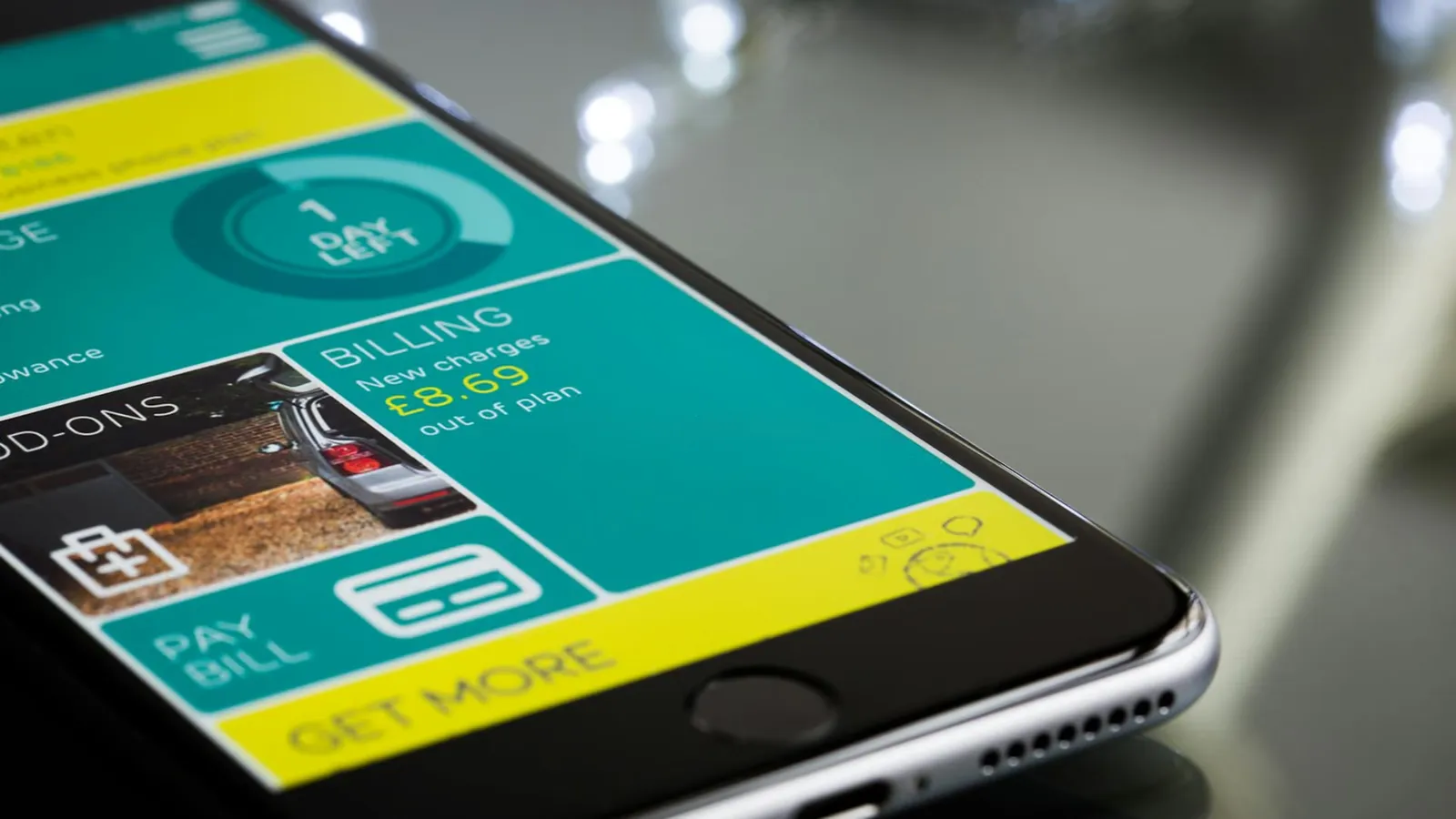
Why keeping track of your O2 data matters
Running out of mobile data unexpectedly can mean your phone either stops connecting to the internet or, depending on your plan, racks up additional charges. Ofcom advises consumers to monitor their usage regularly, particularly if they are on a capped monthly allowance rather than an unlimited plan.
O2 gives customers several ways to check their remaining data allowance at any point during the billing month. Whether you prefer using an app, a browser, or a simple text message, the process takes under a minute once you know where to look. The sections below walk through each method in turn.
Method 1: Check your data balance in the My O2 app
The My O2 app is the quickest option for most customers. It is free to download for both iOS (Apple App Store) and Android (Google Play Store).
Once you have downloaded and logged into the app:
- Open the app and sign in with your My O2 email address and password.
- On the home screen, your remaining data allowance is often displayed as a summary tile.
- For a full breakdown, tap Plan & Add-ons or navigate to the Allowance tab.
- The screen will show how much data you have used this billing period and how much remains.
The app also displays your minutes and texts allowances in the same place, so you can review all your usage in a single view.
Method 2: Check your data balance online via My O2
If you prefer a desktop or laptop, or if you do not have the app installed, you can access the same information through the O2 website.
- Go to o2.co.uk and sign in to your My O2 account.
- From the main menu, select Usage & Bills.
- Choose Remaining Allowance to see a breakdown of your data, minutes, and texts for the current month.
You can reach this section on a mobile browser as well, so it works as a fallback if the app is unavailable or if you are logged into a shared or borrowed device.
Method 3: Text 2020 for a free balance update
O2 Pay Monthly customers can check their balance without opening an app or browser by sending a text message.
- Text BAL to 2020 from your O2 mobile.
- O2 will reply automatically with your current balance and a breakdown of your allowances.
- Texting 2020 is free from your O2 mobile and you do not need to be in credit to use it.
You can also text specific keywords for individual allowances:
| Keyword | Information returned |
|---|---|
| BAL | Full balance summary |
| MIN | Remaining minutes |
| TEXTS | Remaining texts |
| DATA | Remaining data allowance |
Standard network charges may apply to the incoming reply in some circumstances, but O2 states that replies from 2020 are free for customers on its network.
Method 4: Call O2 to hear your balance
If you would rather speak to an automated service or need to check from a different phone:
- Dial 4444 free from your O2 mobile to hear your account balance.
- Dial 0344 809 0202 from any other UK phone (standard call rates apply).
This option is useful if your data connection is unavailable or if you are troubleshooting a network issue.
How O2 data alerts work
O2 automatically sends a free text alert when you have used 80% of your monthly data allowance. This gives you time to adjust your usage before you reach your limit.
You can also opt in to additional notifications through the My O2 app or your online account, so you receive a warning closer to 100% usage as well. Customers on certain plans may be offered the option to purchase an add-on if they are close to their limit, rather than having data automatically cut off.
If your plan includes a data cap rather than automatic rollover, your mobile data connection will stop working once the allowance is exhausted, unless you have roaming or add-on settings configured differently.
What to do if your data runs out
If you reach your limit before the end of your billing month, O2 offers data add-ons that can be purchased through the My O2 app or website. These are one-off boosts that top up your allowance until your plan renews. Prices and sizes of available add-ons vary depending on your tariff.
If you regularly run out of data before the month is up, it may be worth reviewing your plan. Ofcom’s guidance on managing mobile data usage explains your rights when switching plans, including any notice periods your provider can require.
For questions specific to your account, you can contact O2 customer service directly.
Checking your data usage within your phone’s settings
As a secondary check, your handset itself tracks data usage independently of O2. This can be useful for real-time monitoring between billing period resets.
- On iPhone: go to Settings, then Mobile Data. The figure shown represents usage since you last reset the statistics manually.
- On Android: go to Settings, then Network & Internet, then Data Usage. You can set a billing cycle date to align with your O2 renewal date.
Note that the figure your phone records and the figure O2 records can differ slightly because of how each system counts data headers and background traffic. Always treat the My O2 figure as the authoritative source for billing purposes.
For more guidance on managing the costs of your mobile plan, see the How Much Does It Cost hub.

Comments
0 comments
Loading comments…