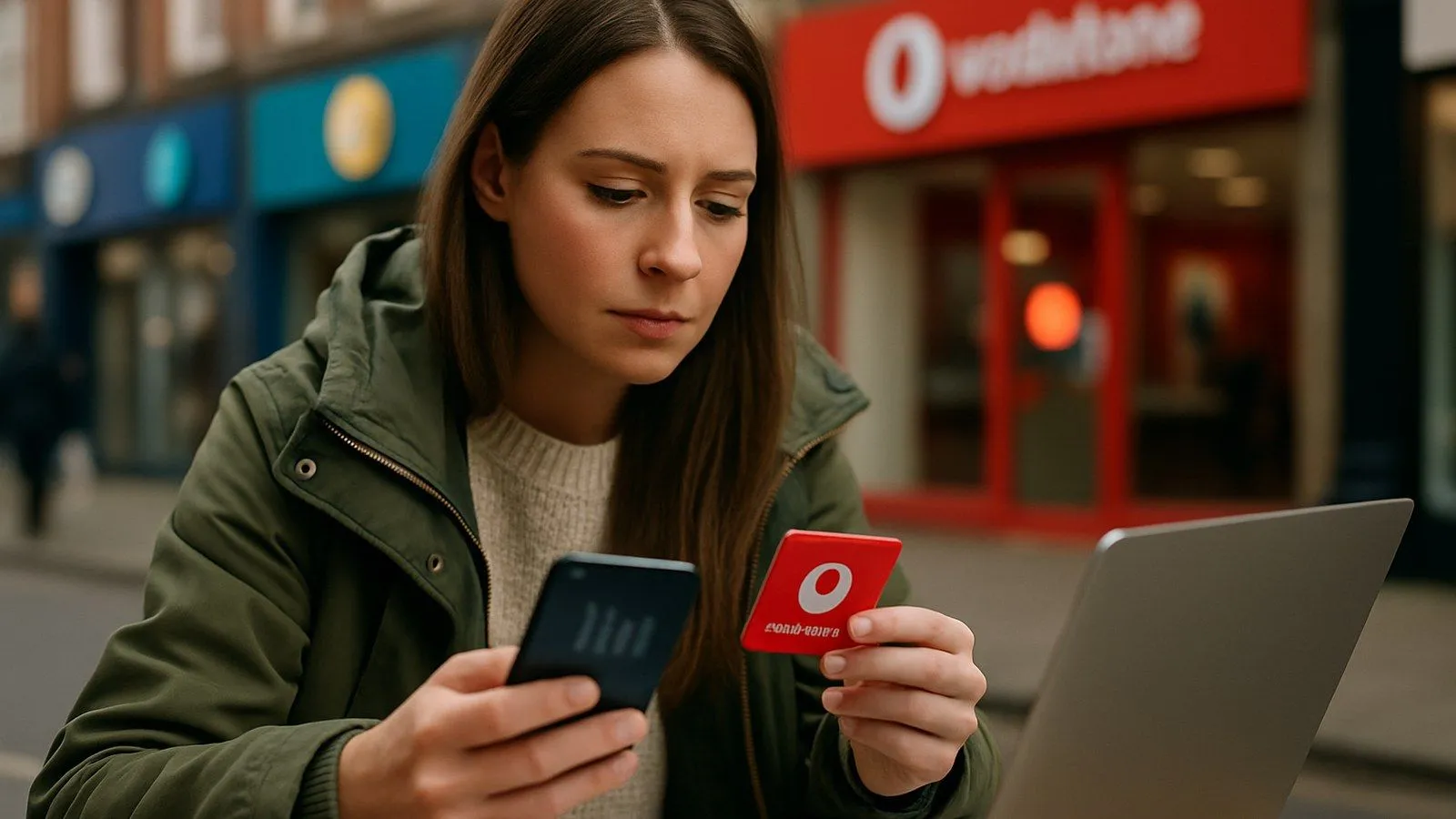
You can update your Vodafone payment details in minutes through the My Vodafone app or website. Both methods allow you to change your Direct Debit bank account or add a new card for one-off payments. Acting quickly when card details expire helps you avoid late fees and service interruptions.
- Self-service is fastest: Update payment details through My Vodafone online or via the mobile app without calling customer services.
- Late fees apply: Vodafone adds a late payment charge to your next bill if a payment fails due to expired card details.
- Credit file warning: Overdue bills of more than 30 days are reported to credit reference agencies and remain on your file for six years.
- Help is available: If you’re struggling financially, call 191 before your payment is due to discuss payment plans or alternative arrangements.
Updating your payment method online
Vodafone Pay Monthly customers typically pay by Direct Debit, but you can also store card details for ad-hoc payments. Here’s how to change them on the website:
- Sign in to My Vodafone: Go to the Vodafone UK website and log into your account.
- Open billing settings: Navigate to the payments or billing section of your dashboard.
- Select your Device Plan: Locate the plan you want to update and click ‘Manage payment method’.
- Enter your new card or bank details: Type in the updated information carefully, checking the expiry date and sort code.
- Confirm and save: Review everything before submitting. You’ll see a confirmation message once the change is complete.
Changing payment details in the app
The My Vodafone app offers the same functionality with a simpler interface:
- Launch the app and log in: Open My Vodafone on your phone.
- Tap the menu icon: Find the section labelled ‘Bills’ or ‘Payments’.
- Choose ‘Manage payment method’: This option appears under your active plan.
- Add or update card details: Enter the new card number, expiry date and security code.
- Save your changes: Tap ‘Confirm’ to store the updated details on your account.
Both methods take effect immediately, so your next Direct Debit or payment will use the new details.
What happens if a payment fails
An expired or cancelled card can trigger a chain of consequences. Vodafone follows a structured process when payments are missed, and the impact can be serious if left unresolved.
Immediate consequences:
- A late payment charge is added to your next bill.
- You’ll receive reminders by text, email or letter asking you to settle the outstanding amount.
If the bill remains unpaid:
- After 30 days, the missed payment is reported to credit reference agencies (Experian, Equifax and TransUnion).
- Your services may be restricted, preventing calls, texts and data use until you pay.
- Multiple missed payments can lead to a default being registered on your account, which severely damages your credit score and stays on your file for six years.
“If you miss multiple payments, we’ll move towards adding a default on your account. This will have a major impact on your ability to get credit in the future from Vodafone and elsewhere, so we’ll try to avoid this step at all costs.” - Vodafone UK
Getting help if you’re struggling to pay
Vodafone has a specialist support team for customers facing financial difficulty. Contact them before your bill is due rather than waiting for reminders. Call 191 from your Vodafone mobile (free) or 03333 040 191 from any other phone.
The team can offer:
- Payment plans that spread the cost over several months.
- A change to your bill’s due date to align with your pay day.
- A review of your tariff to see if a cheaper plan suits your usage.
For independent advice, Citizens Advice and the debt charity StepChange provide free, impartial guidance on managing bills and negotiating with providers.
When to contact Vodafone customer services
Most payment updates can be handled through self-service, but some situations require speaking to an adviser. You’ll need to call if:
- You can’t access My Vodafone online or via the app.
- You need to change the account holder’s name (for example, after marriage).
- You’re experiencing repeated payment failures despite updating your details.
Phone lines are open 8am to 10pm Monday to Friday and 8am to 8pm at weekends. Calls to 03 numbers cost the same as calling a standard landline and count towards any inclusive minutes in your plan.
Can I change when my bill is due each month?
Yes. You can request a different payment date by contacting Vodafone. If you ask before your current payment is due, the change will take effect from the following billing cycle.
What’s the difference between Direct Debit and card payments?
Direct Debit automatically collects your monthly bill from your bank account. Card payments are typically used for one-off transactions, such as clearing an overdue balance or paying for services outside your regular plan.
How do I update my name on the account?
Changing the account holder’s name is a separate security process. You’ll need to call Vodafone directly and may be asked to provide proof of identity or documentation such as a marriage certificate.
Will updating my card affect my credit score?
No. Simply changing your payment details has no impact on your credit file. Only missed or late payments are reported to credit reference agencies.
- Vodafone UK - Missed payments
- Vodafone UK - Support in a crisis
- Vodafone UK - Bill and payment support
- Vodafone UK - How do I update my Direct Debit details?
- Vodafone UK - Your credit file
- Citizens Advice - If you’re struggling to pay your mobile, phone, internet or TV bill
- Ofcom - Call costs guide
Comments
0 comments
Loading comments…